Upload your screens.
Get a designed App Store set.
Claude reads your app, writes the headlines from your real numbers, lifts out the UI worth zooming in on, and lays out the whole set — opening shot included. Change anything without dragging a thing. Free to design. $9.99 when you download.
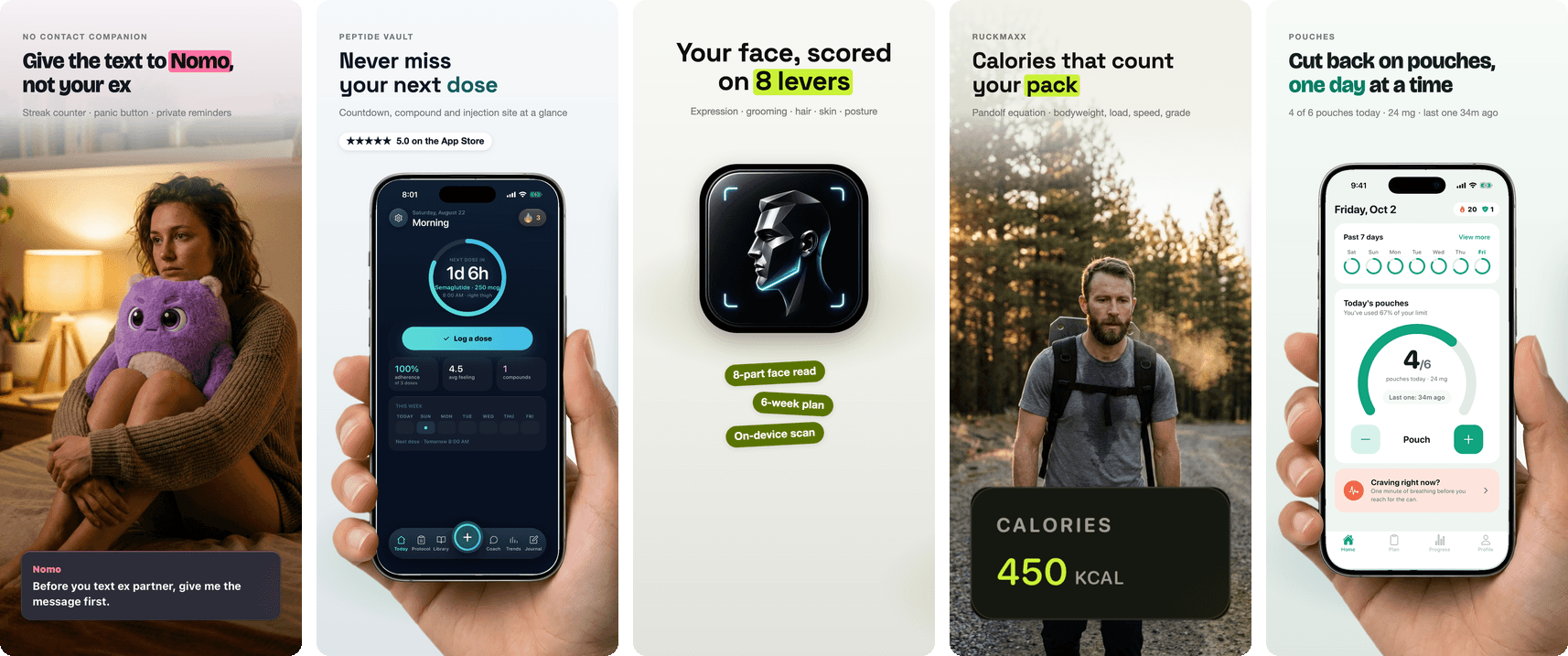
On Apple Search Ads, screenshots are the whole pitch.
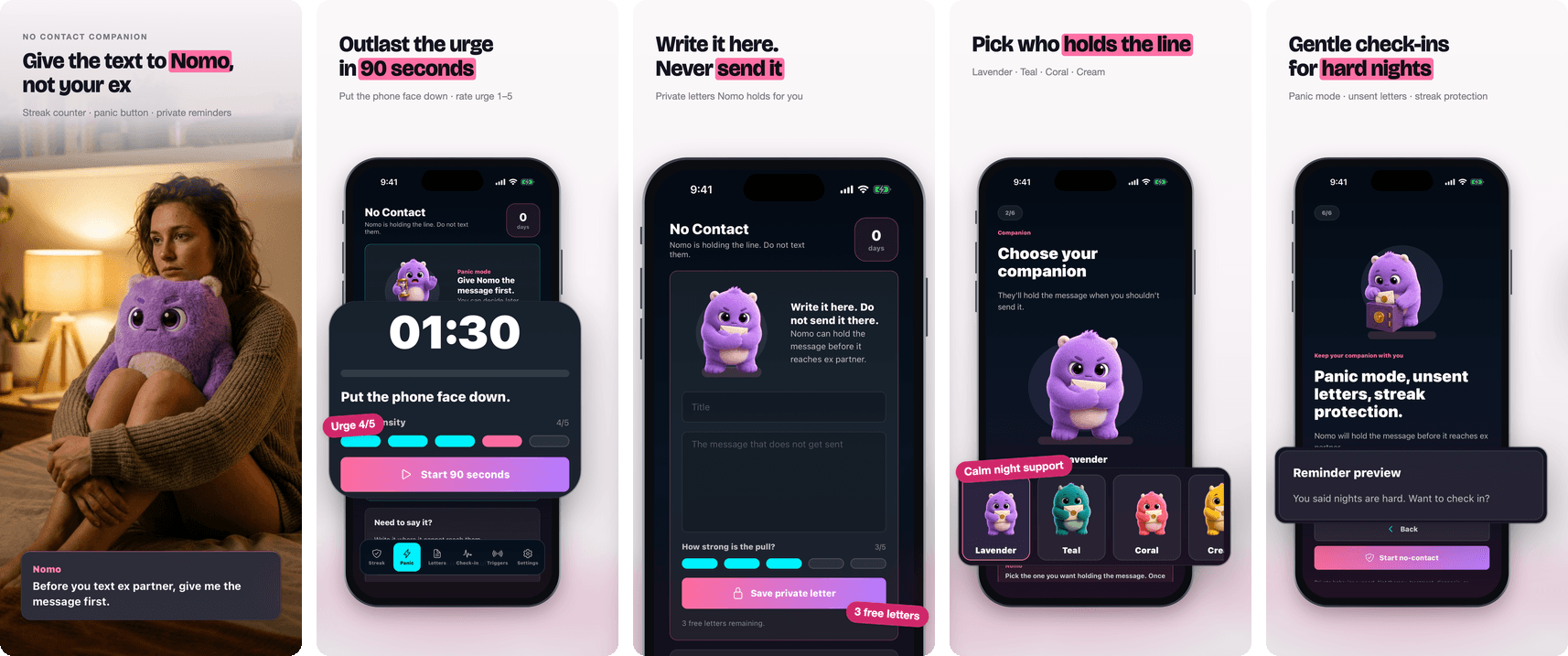
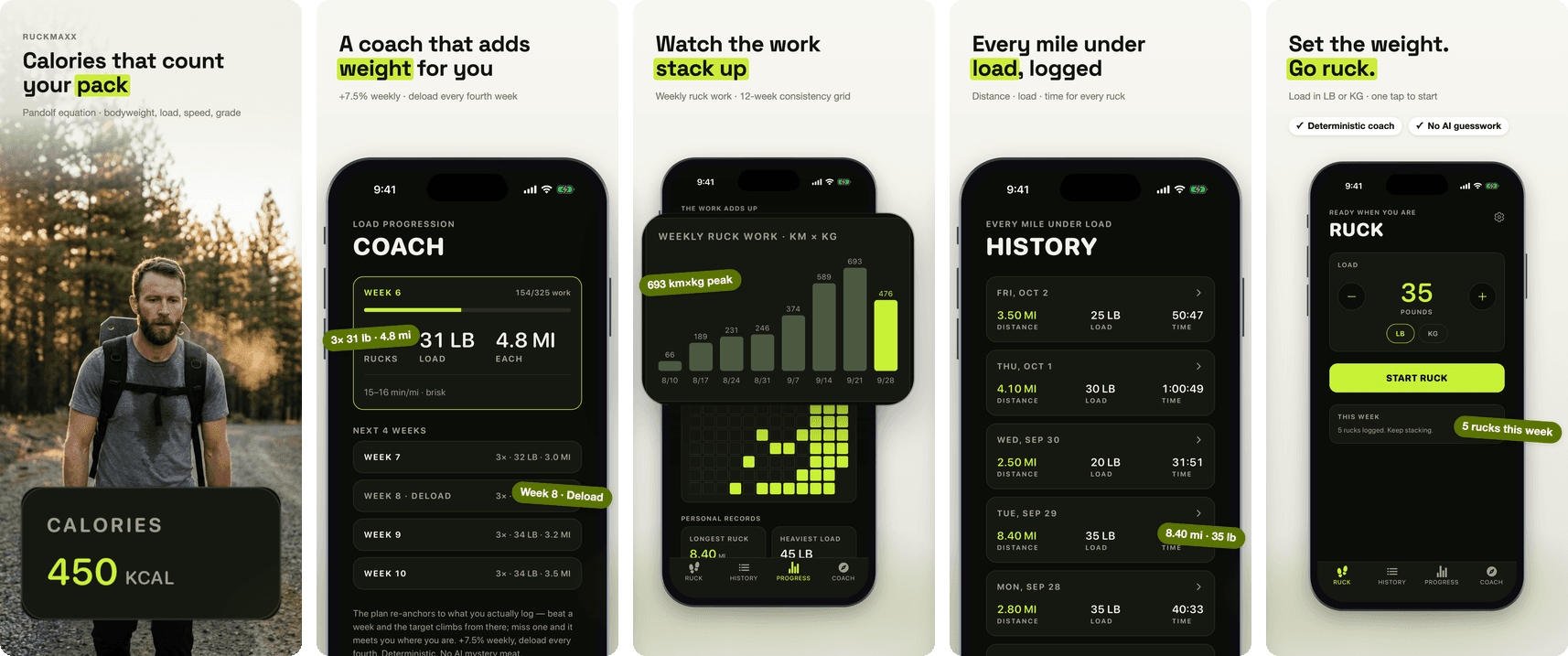
Search Ads gives you no creative to run except your store listing — the screenshots ARE the ad. A designed, cohesive gallery converts where six sub-par frames waste spend. These sets came out of the studio:
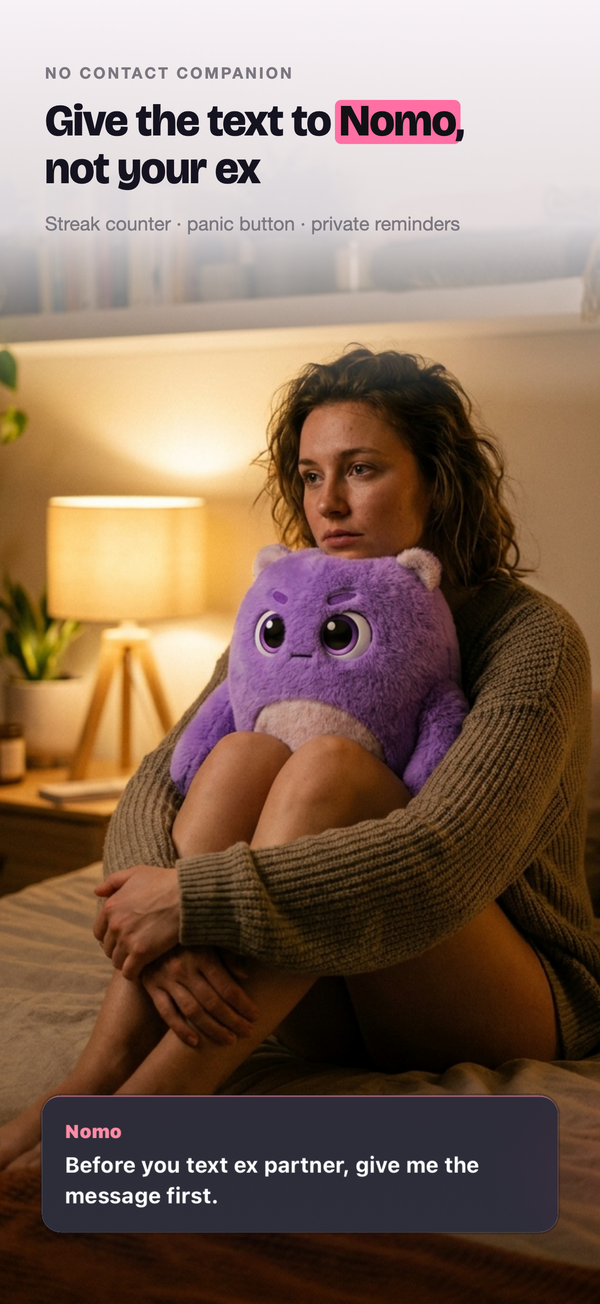
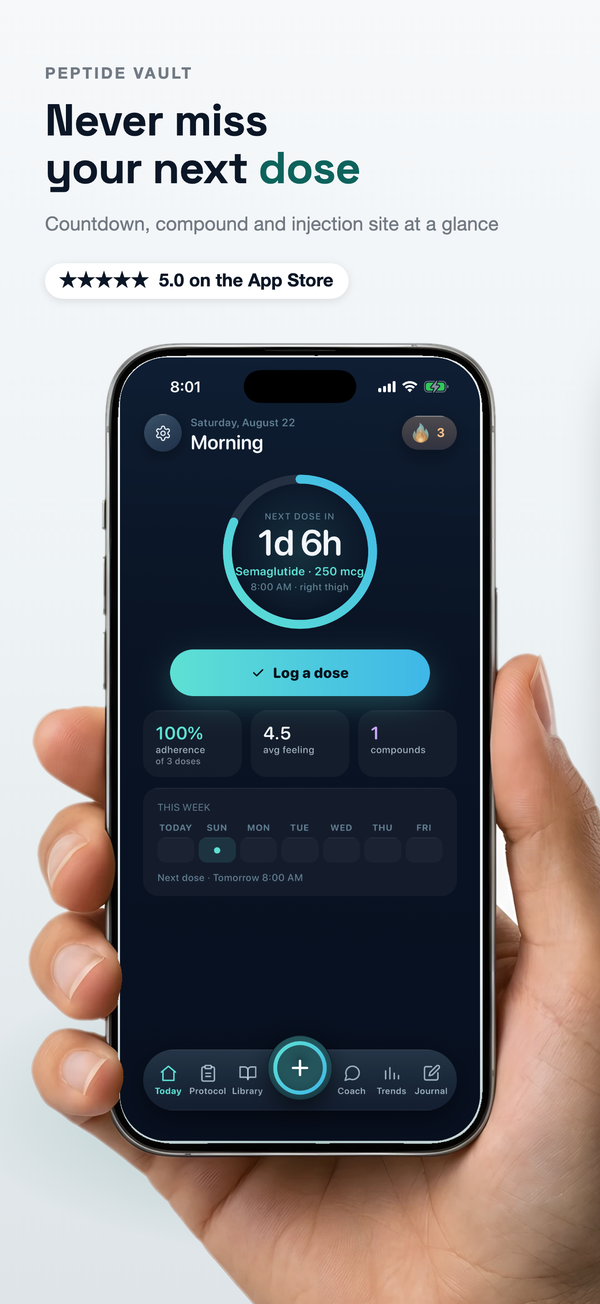
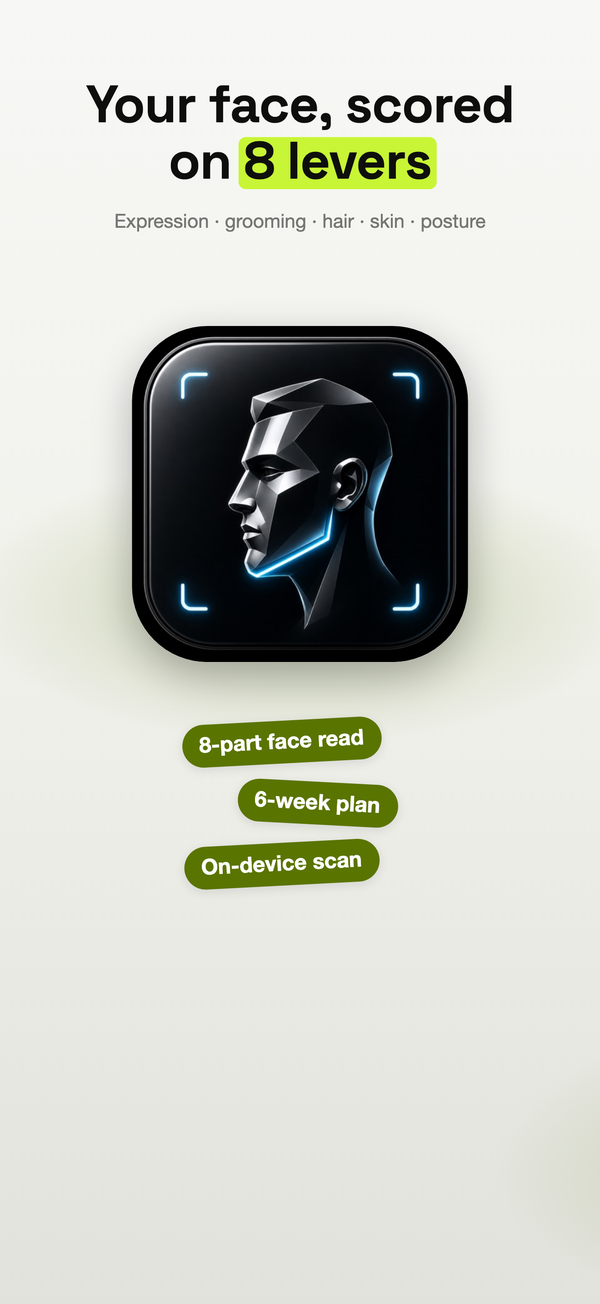
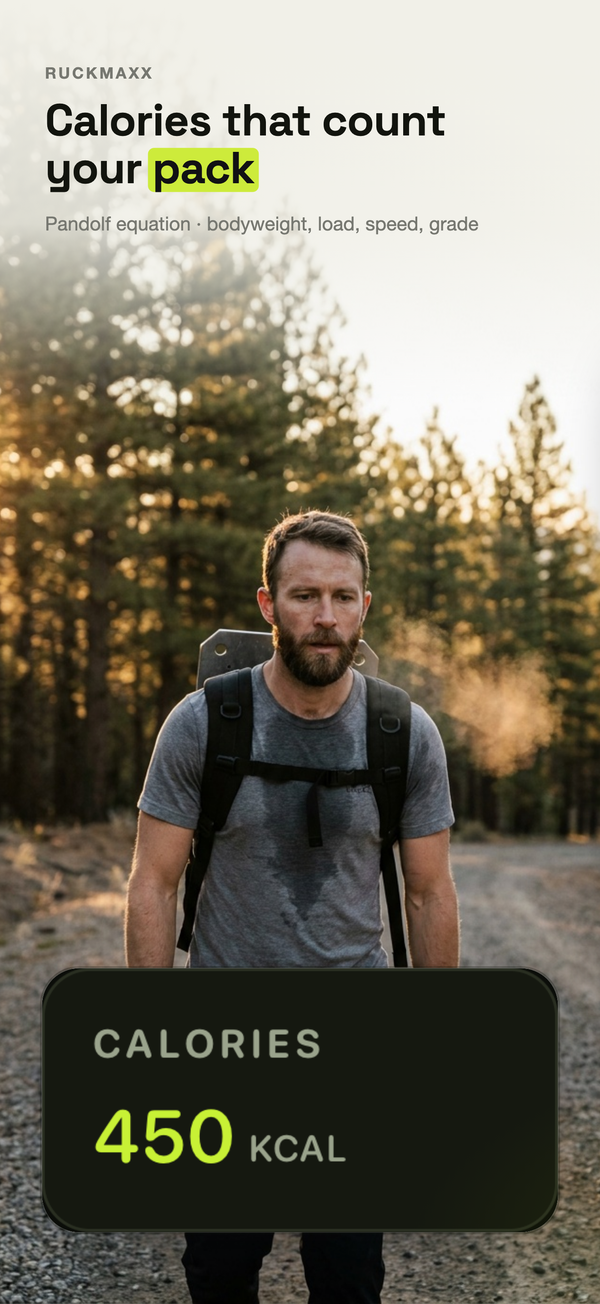
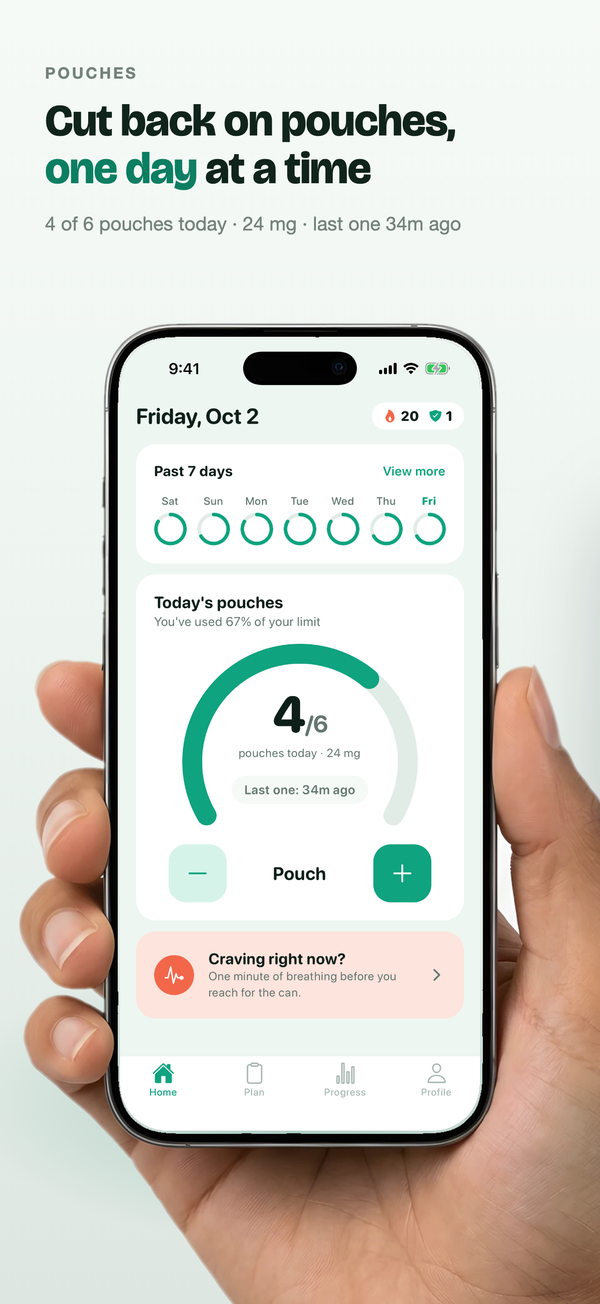
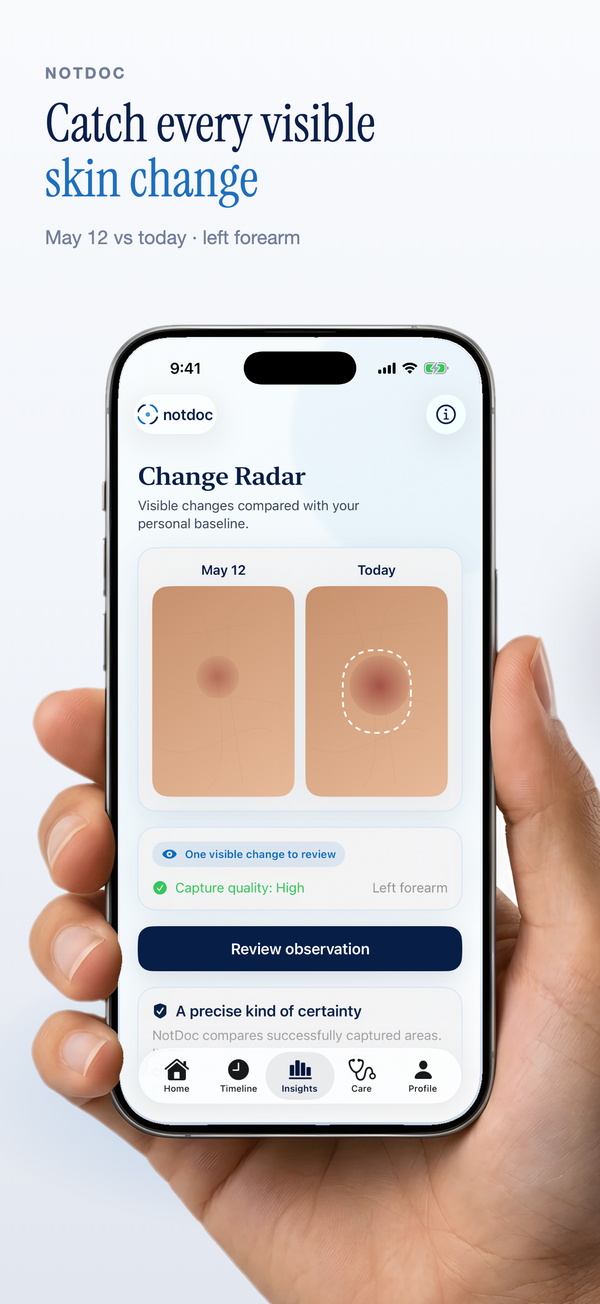
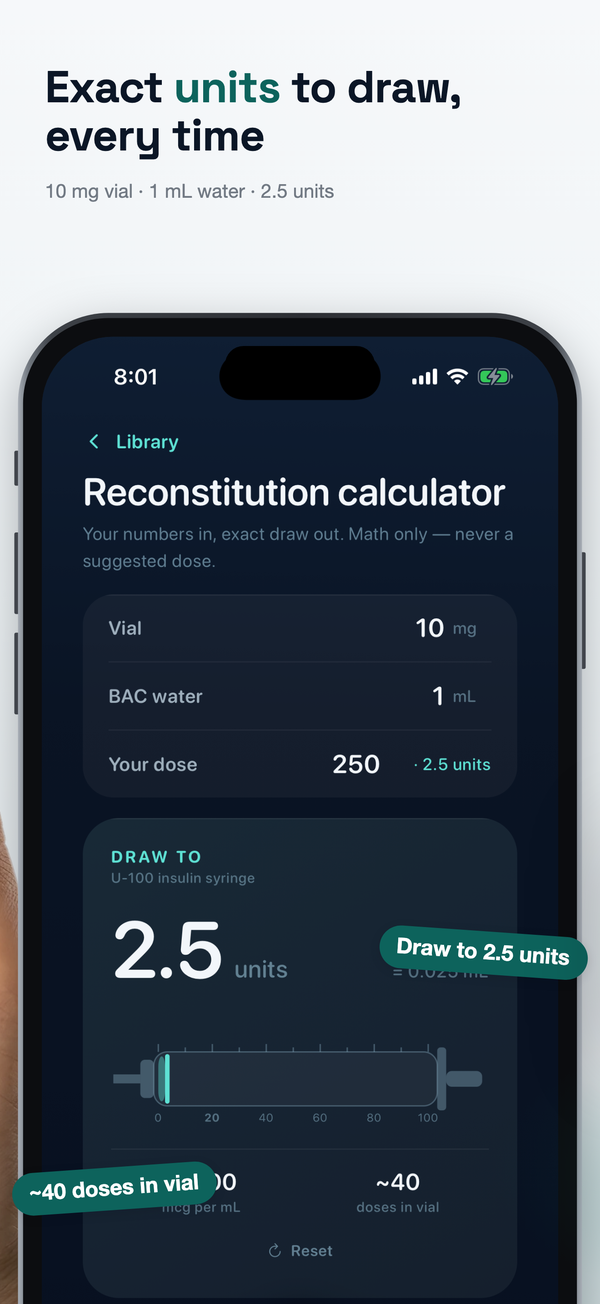
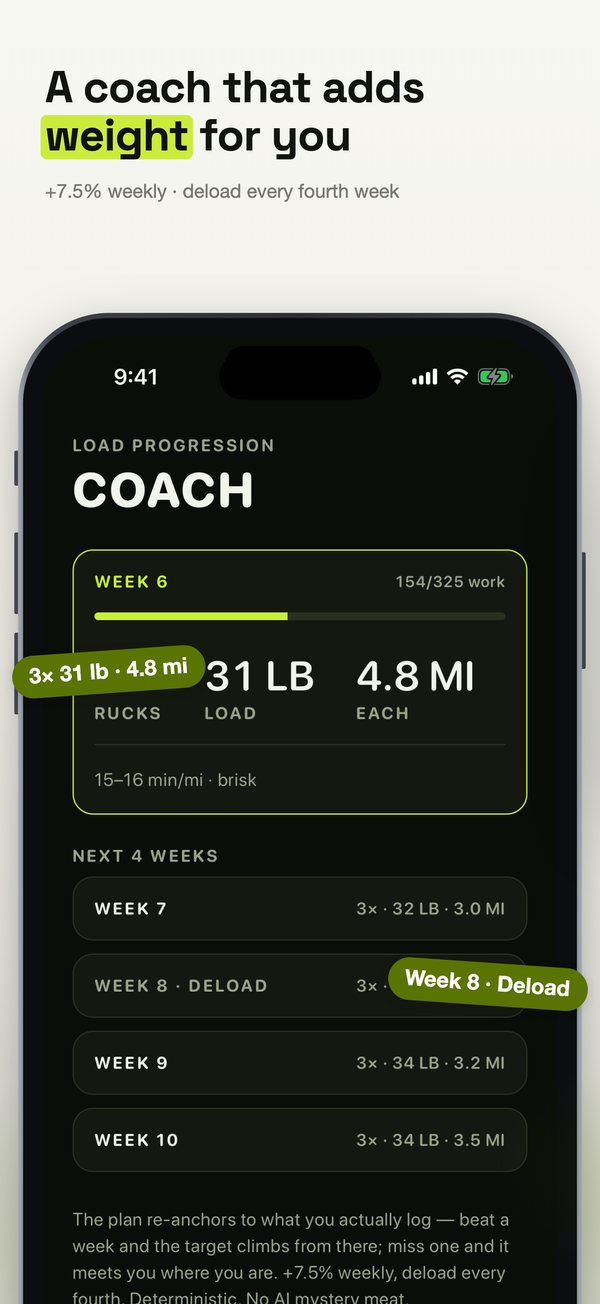
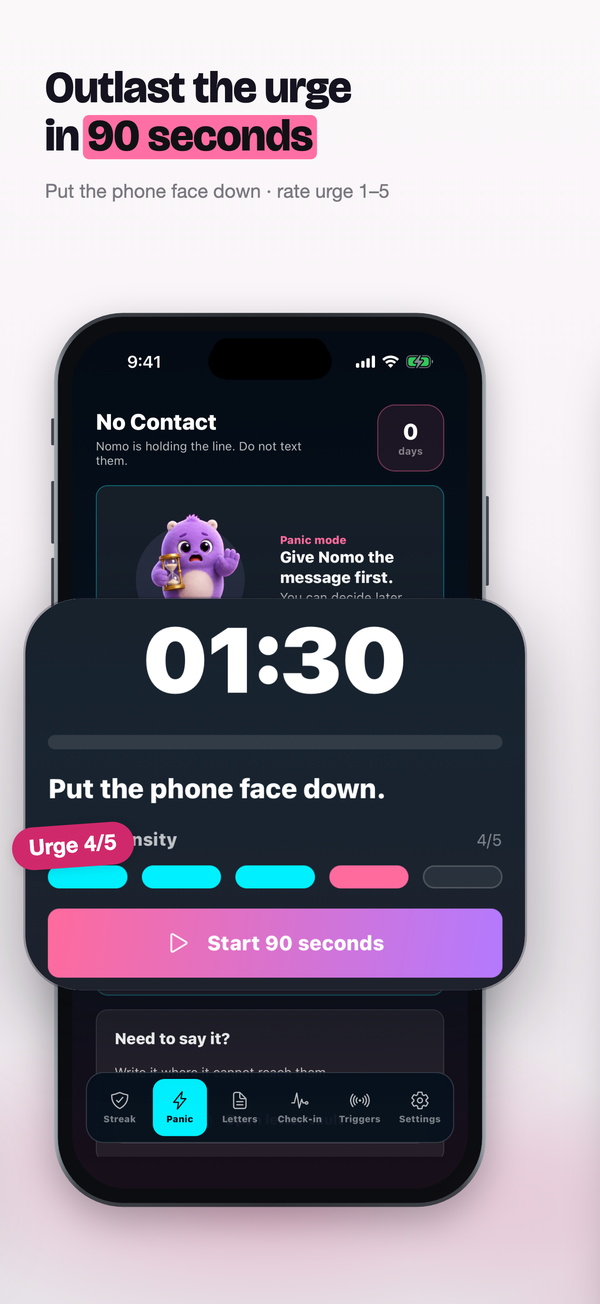
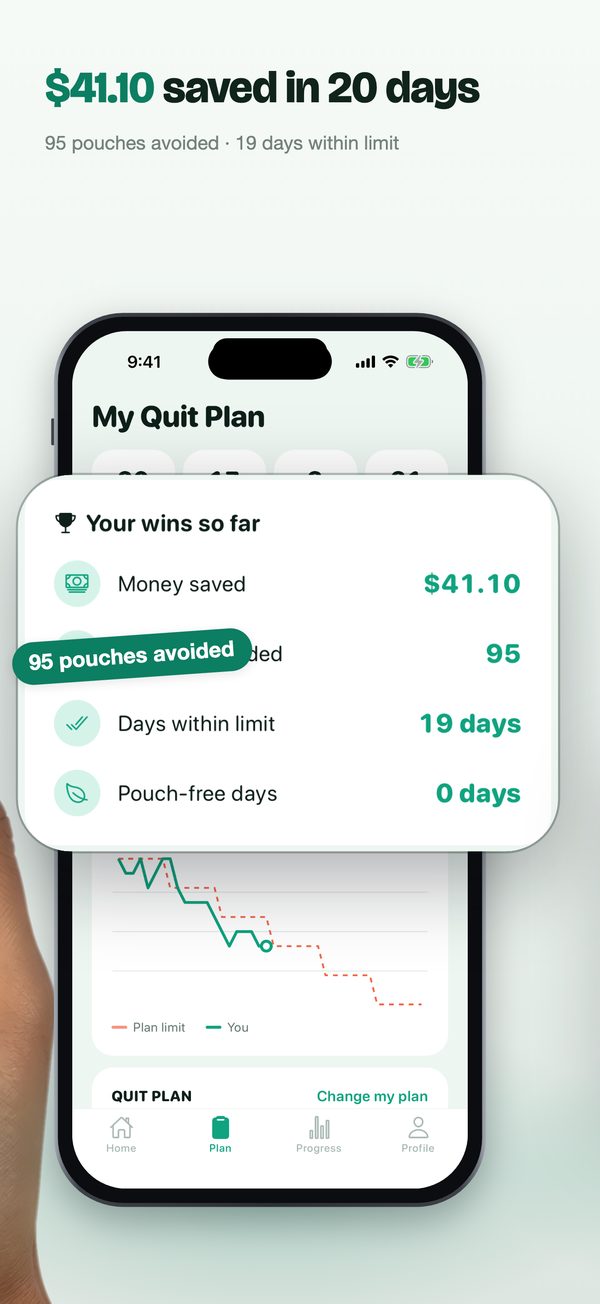
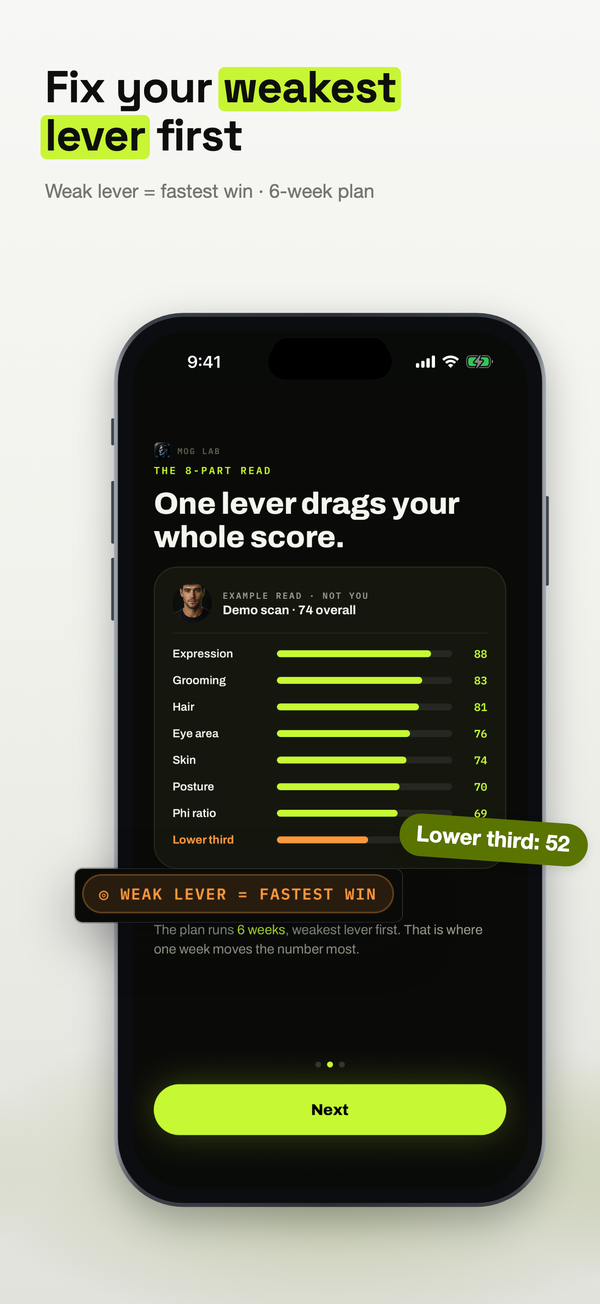
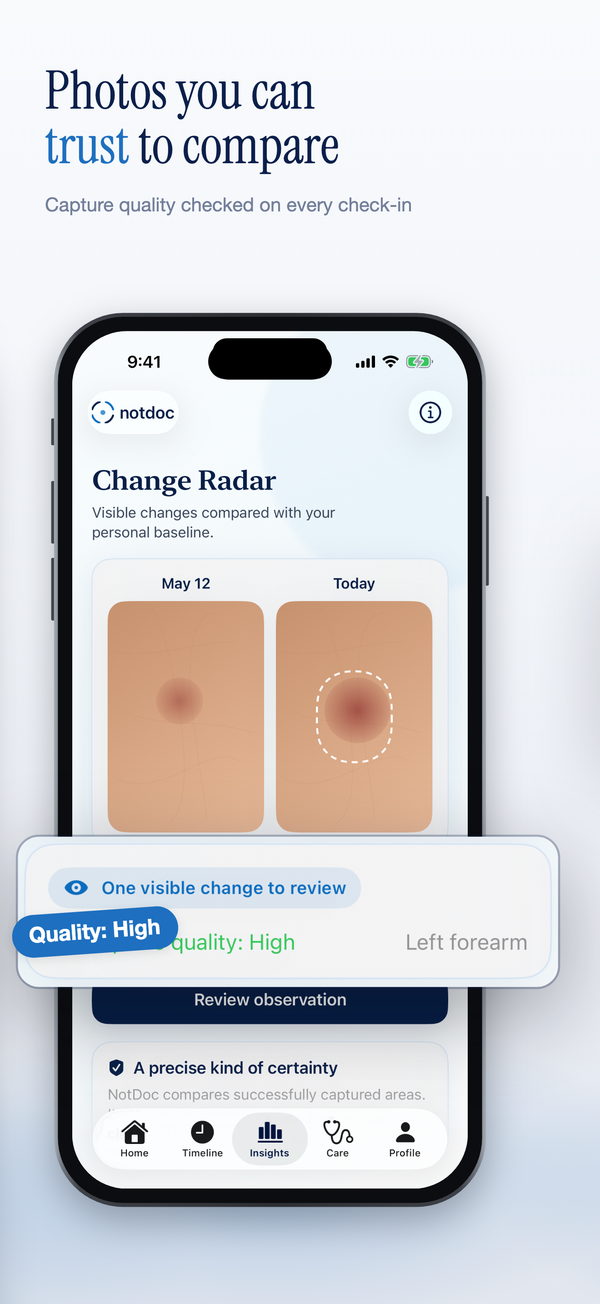
Claude orders your screens into a story: an opening shot that stops the scroll, one clear claim per slide, and a close that earns trust.
Exports render at exact App Store pixels — 6.9″, 6.5″, and iPad 13″, portrait or landscape. Upload straight to App Store Connect.
A designed gallery turns browsers into downloads. Sub-par screenshots don't — and on Search Ads that's money left on the table.
From raw screenshots to a designed set in minutes.
You bring whatever screenshots you already have. The studio gives you the canvas, the layouts, and the AI — and exports exactly what you see.
Drop in 6–10 screenshots
Raw screens straight from your app or the simulator — home, key flows, results. No designed slides needed.
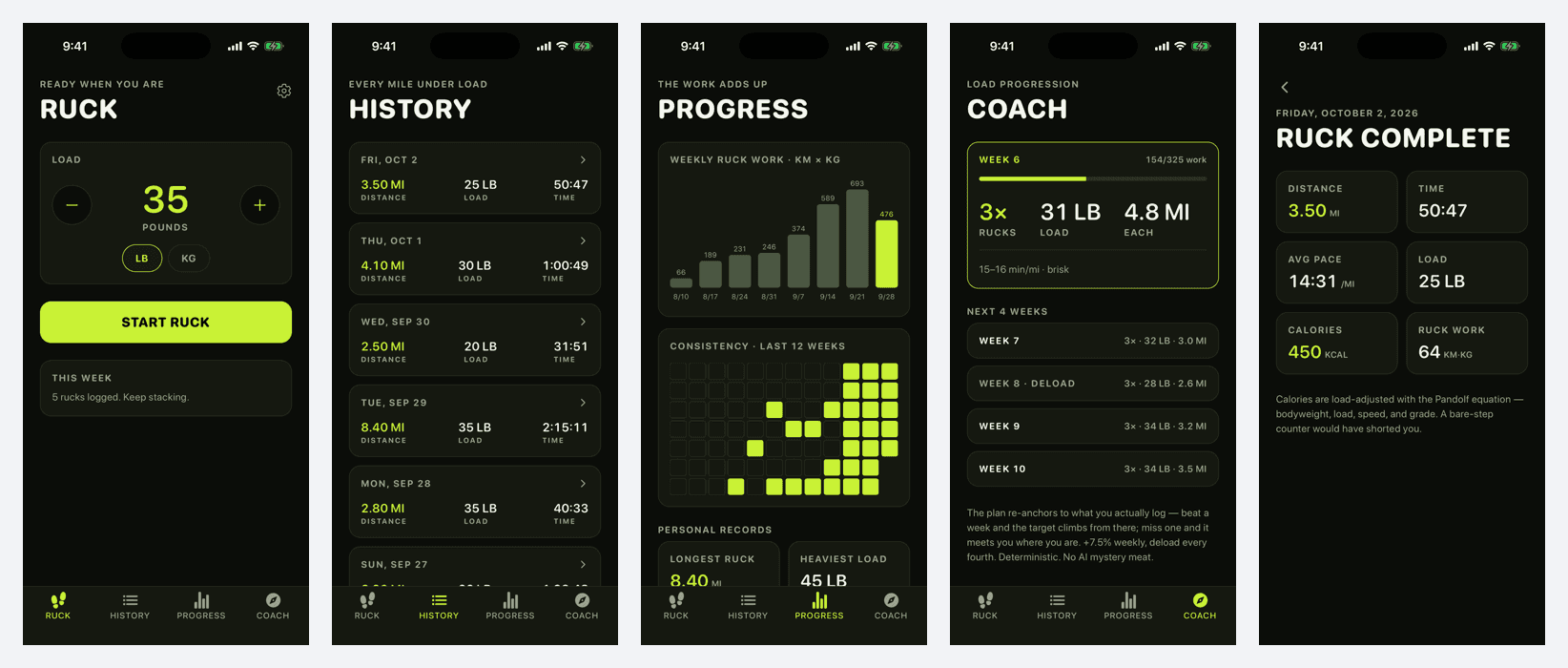
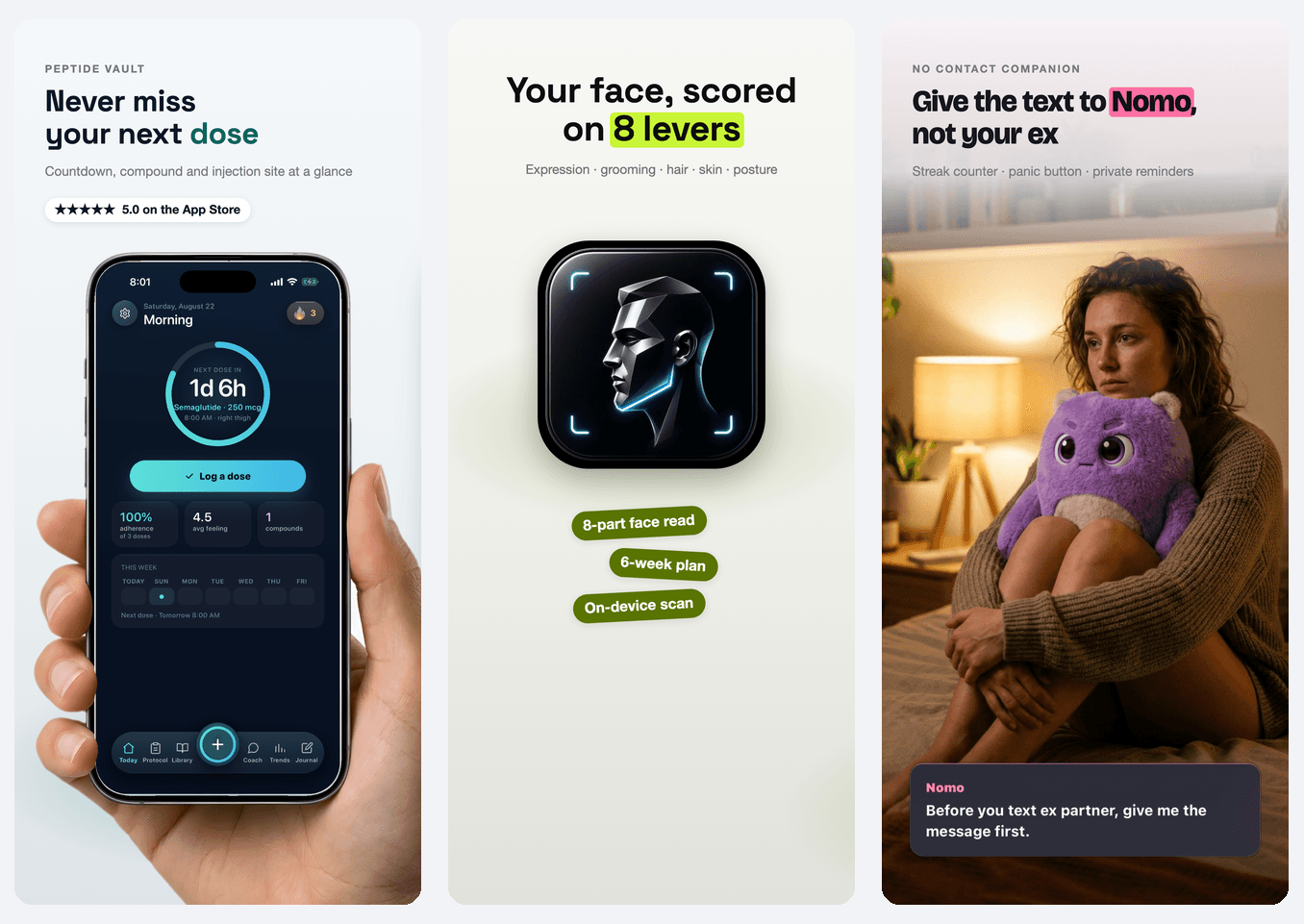
Pick how your set opens
Your screen in a real hand, your app icon big with feature tags, or a photo of your user in the moment — or let Claude choose what fits your app.
Claude designs the whole set
Headlines built from your real numbers, close-ups of the UI that proves each claim, colors pulled from your app. About 30 seconds. Then change any headline, screenshot or layout from a simple panel — no dragging.
Unlock it and ship
Designing is free. $9.99 unlocks the finished set — clean PNGs at every size App Store Connect asks for — or go Studio for every set and the full editor.
Design free. Pay when it's right.
Every take is free to design and edit — watermarked until you download. $9.99 unlocks the set you love, or go Studio for every set and the full editor.
Design and edit as many takes as you like. Pay only for the set you ship.
- Claude designs your whole set from your screenshots
- Hand, app-icon or lifestyle-photo openers
- Edit headlines, screenshots and layout — no dragging
- Export a finished set for $9.99 — clean, every App Store size
Every set unlocked, plus the full editor.
- Every set unlocked — design and export as many as you want
- The full canvas editor: drag, stickers, backdrops
- Sets for every app in your portfolio
- Custom product page variants for Apple Search Ads
Everything in Studio, for a lot less.
- Everything in Studio
- Save 45% vs monthly
- Every set unlocked, every app, every release
- Custom product page variants for Apple Search Ads
The stuff you'd ask before paying.
What's actually free?
Designing. Upload your screenshots, pick an opening shot, and Claude designs the whole set — as many takes as you like, and you can edit every headline, screenshot and layout. Previews are watermarked; you only pay to download.
What do I pay?
$9.99 once to unlock a finished set — clean PNGs at every App Store size, no subscription. Or Studio: every set unlocked plus the full canvas editor, $16.58/mo billed annually at $199, or $29.99 month to month.
What sizes do you support?
The sizes App Store Connect actually asks for: 6.9″ (1320×2868), 6.5″ (1284×2778), and iPad 13″ (2064×2752). Exports are exact-pixel PNGs, ready to upload with no resizing. For the iPad slot, upload iPad screenshots — Apple wants your app running on an iPad there.
Does it make the new iOS 27 App Store header?
Yes. Agent C designs the product page header (3840×1646) and the search-results image (3840×2560) from the same plan as your set, so they match. Make screenshots, the header, or both. One $9.99 unlock covers both. Apple has no API for headers yet, so you add the header in App Store Connect → Asset Library yourself.
How is this different from template tools?
Template tools hand you empty frames and leave the design to you. Agent C does the art direction: it reads your screens, decides the story and the opening shot, writes claim headlines from your real data, and lifts out the exact UI that proves each one.
Does it work for Apple Search Ads custom product pages?
Yes. Screenshots are the only creative lever you control on Search Ads, and Apple allows up to 70 custom product pages per app. Studio makes a variant set for each angle you want to test.
Can it upload to App Store Connect for me?
Yes, if you want it to. Connect your App Store Connect API key once (stored encrypted) and an unlocked set goes straight into your app’s draft version — replacing only that language and device size. Nothing is ever submitted for review; you check it and hit submit. Or just download the PNGs.
Can my AI agent use it?
Yes. Agent C has an MCP server for Claude Code, Cursor, Codex and Claude Desktop: ask your agent to make App Store screenshots and it uploads your screens, Claude designs the set, and you approve before anything is paid for or sent. Setup takes a minute at theagentc.io/mcp.
Refunds and cancelling?
Cancel Studio in one click from the dashboard — no retention flow. If an unlocked set breaks on our end and we can’t fix it, we refund it.