Example · Health & Fitness

RuckMaxx App Store screenshots: before and after

RuckMaxx is a rucking tracker: weighted walks, a load-progression coach, and calories that account for the weight on your back. Here’s what Agent C made from its raw screenshots.

Before: RuckMaxx slide 1, raw screenshotAfter: RuckMaxx slide 1, designed by Agent CAgent CRaw screenshot

Drag the handle to compare the first slide with the raw screenshot it was built from.

The input: 5 plain screenshots

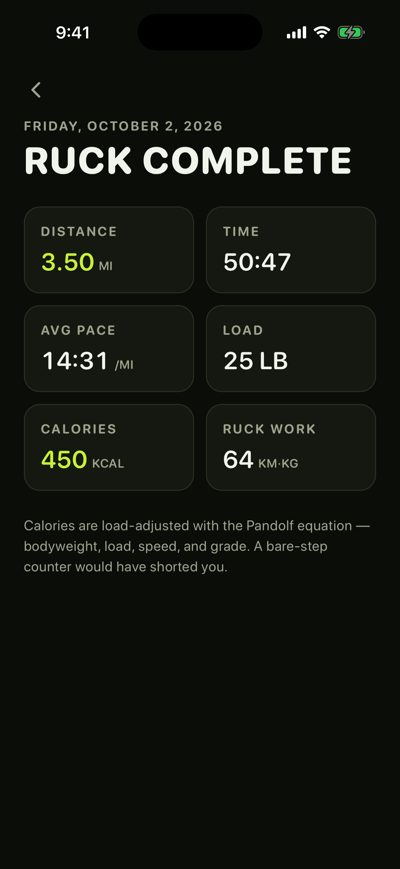
Straight from the iOS Simulator: no captions, no frames, no design.
Raw RuckMaxx screenshot 1Raw RuckMaxx screenshot 2Raw RuckMaxx screenshot 3Raw RuckMaxx screenshot 4Raw RuckMaxx screenshot 5

What the art direction did

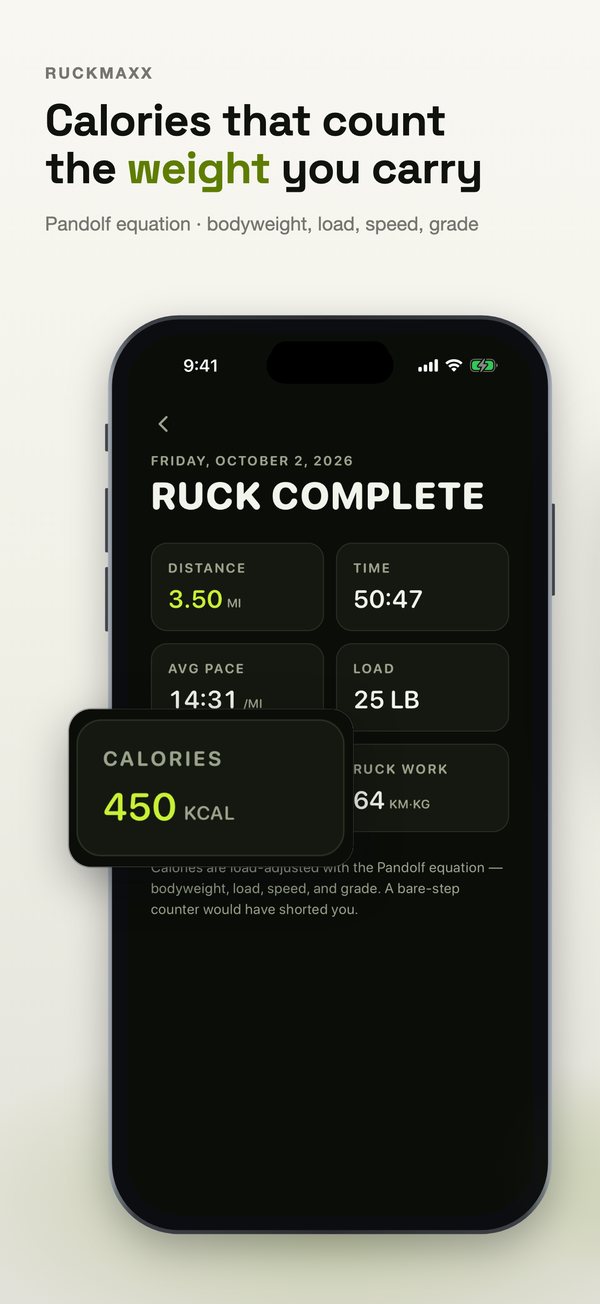
  • The set opens on the result, not the start screen. The 450 kcal calories card is lifted out of the Ruck Complete screen, because calories under load is the claim a step counter can’t make.
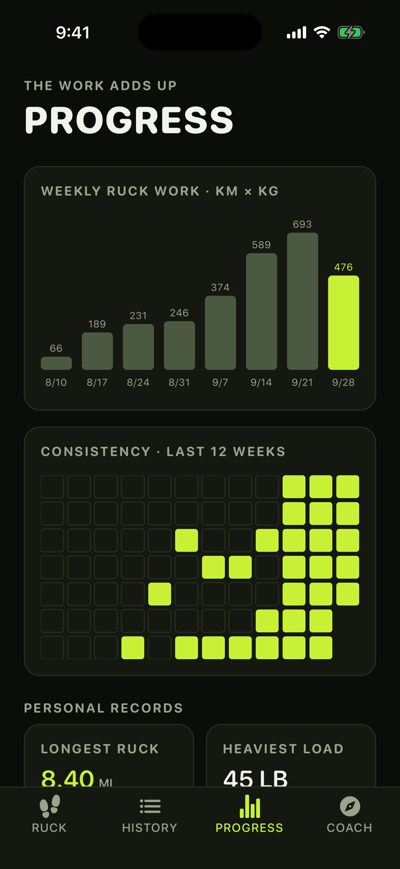
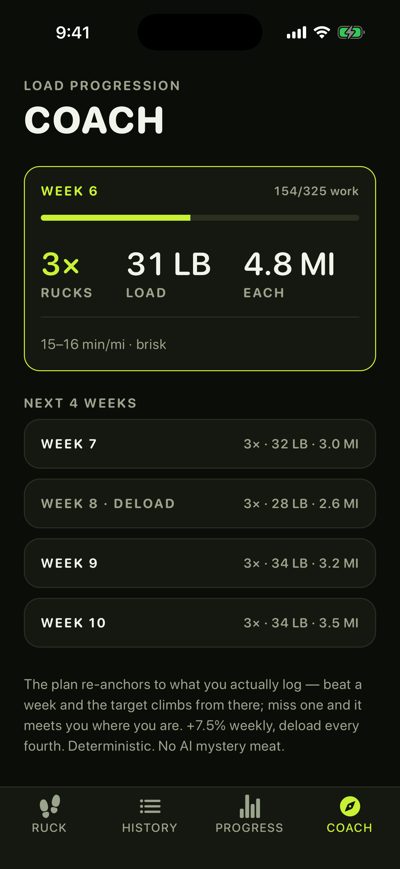
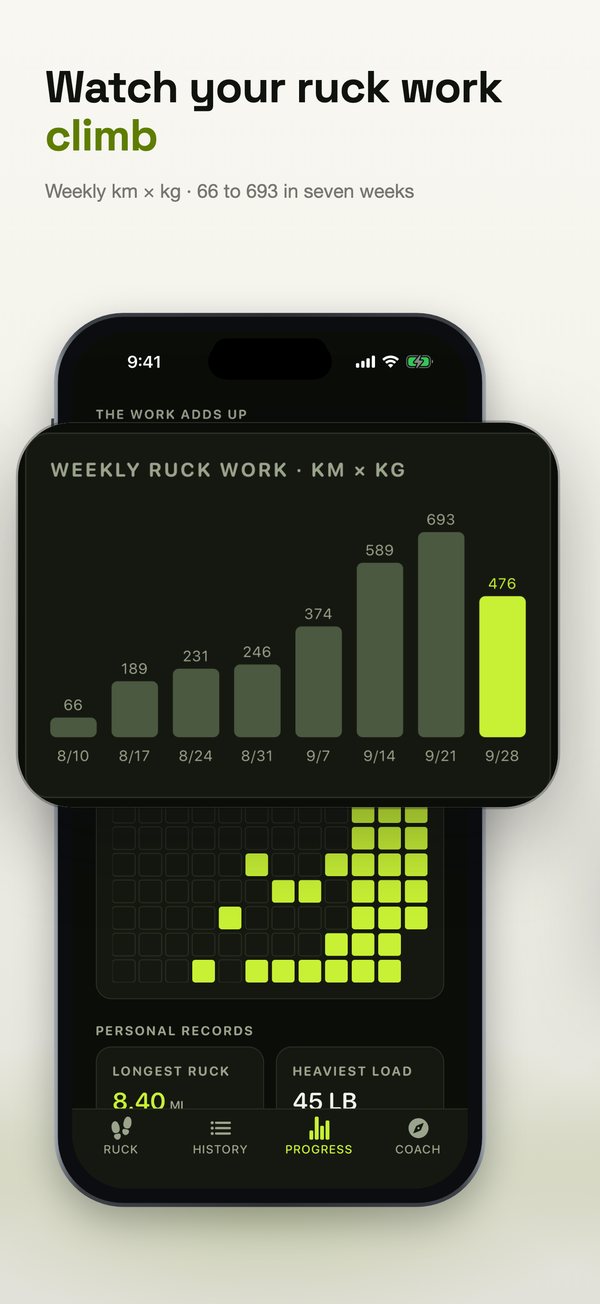
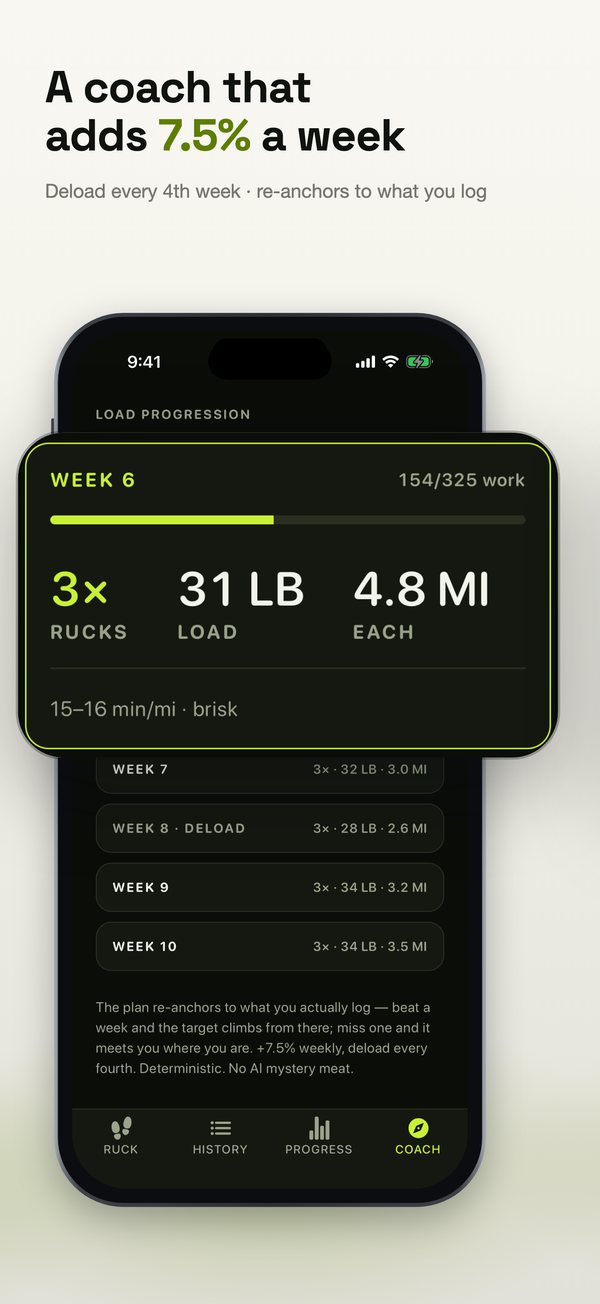
  • Every number in a headline is on a screen: 7.5% a week is the coach’s progression rule, and 66 to 693 is seven weeks of logged km × kg.
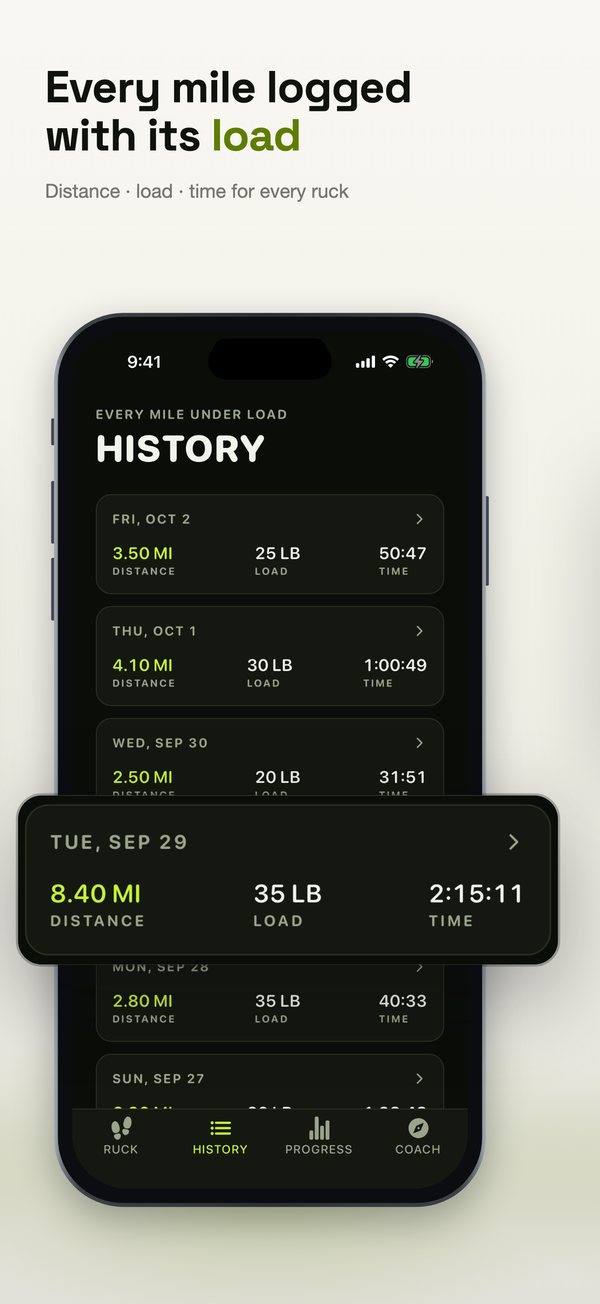
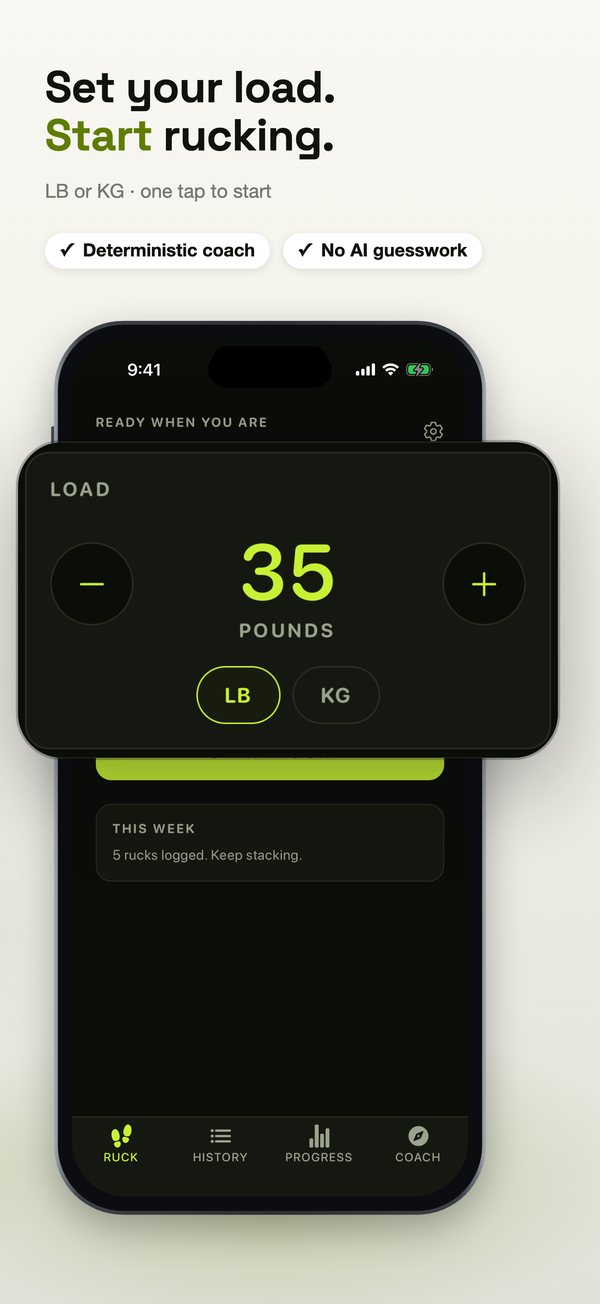
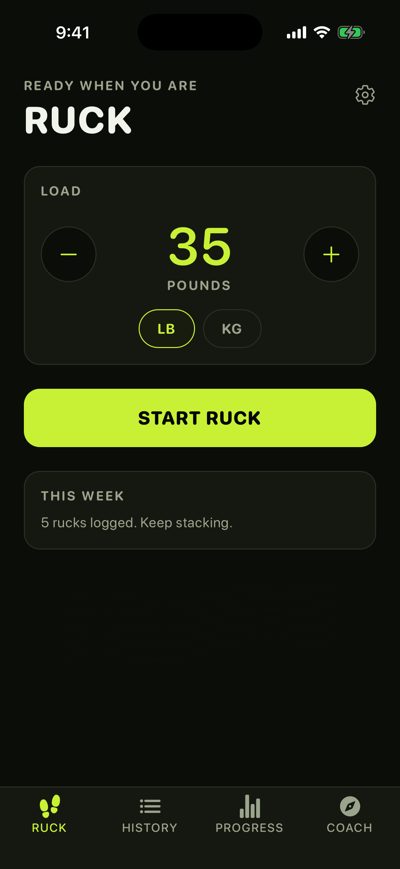
  • The start screen, which a raw set usually leads with, closes the set as the call to action: “Set your load. Start rucking.”

Slide by slide

Each slide next to the raw screenshot it was built from.
Raw RuckMaxx screenshot 5RuckMaxx App Store slide 1: Calories that count the weight you carry
1. Calories that count the weight you carryPandolf equation · bodyweight, load, speed, grade
Raw RuckMaxx screenshot 4RuckMaxx App Store slide 2: A coach that adds 7.5% a week
2. A coach that adds 7.5% a weekDeload every 4th week · re-anchors to what you log
Raw RuckMaxx screenshot 3RuckMaxx App Store slide 3: Watch your ruck work climb
3. Watch your ruck work climbWeekly km × kg · 66 to 693 in seven weeks
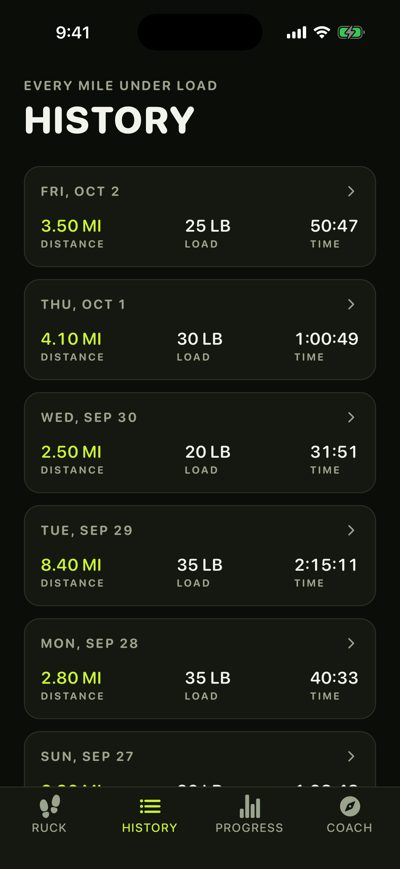
Raw RuckMaxx screenshot 2RuckMaxx App Store slide 4: Every mile logged with its load
4. Every mile logged with its loadDistance · load · time for every ruck
Raw RuckMaxx screenshot 1RuckMaxx App Store slide 5: Set your load. Start rucking.
5. Set your load. Start rucking.LB or KG · one tap to start

The whole set

RuckMaxx slide 1: Calories that count the weight you carryRuckMaxx slide 2: A coach that adds 7.5% a weekRuckMaxx slide 3: Watch your ruck work climbRuckMaxx slide 4: Every mile logged with its loadRuckMaxx slide 5: Set your load. Start rucking.

Every headline and close-up can be changed in the studio without dragging anything, and the finished set exports at every size App Store Connect asks for (6.9″ 1320×2868, 6.5″ 1284×2778, iPad 13″) or goes straight into your draft version with Send to App Store.

More examples