Example · Lifestyle

Mog Lab App Store screenshots: before and after

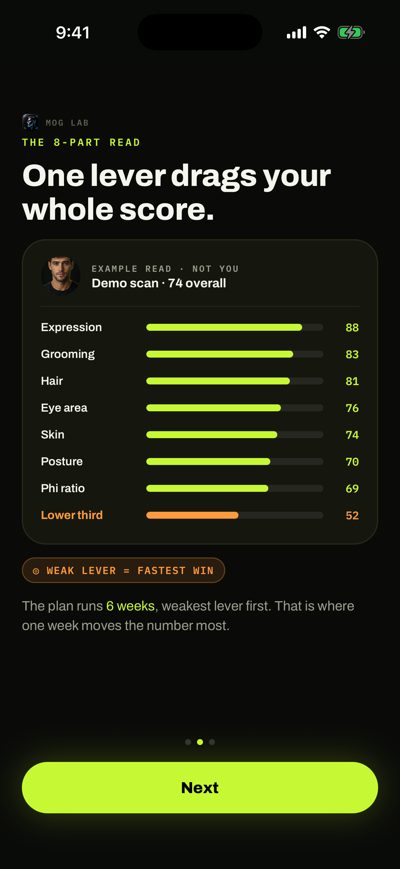
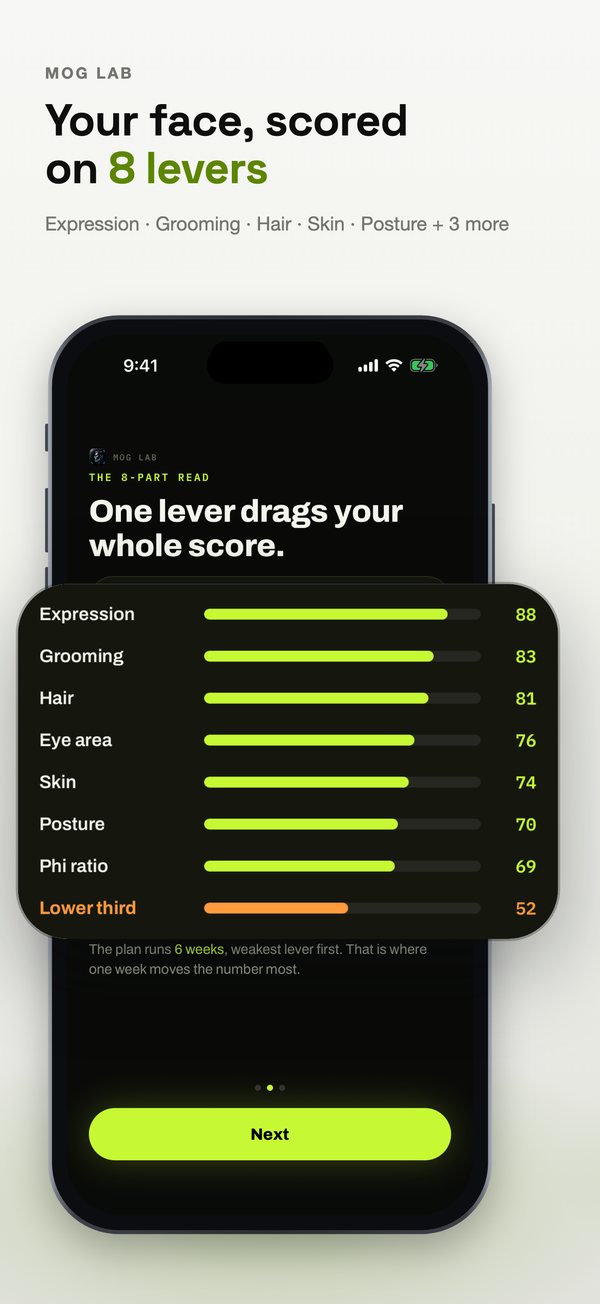
Mog Lab reads a selfie across 8 levers (expression, grooming, hair, skin, posture and more) and builds a 6-week plan around the weakest one. Here’s what Agent C made from its raw screenshots.

Before: Mog Lab slide 1, raw screenshotAfter: Mog Lab slide 1, designed by Agent CAgent CRaw screenshot

Drag the handle to compare the first slide with the raw screenshot it was built from.

The input: 3 plain screenshots

Straight from the iOS Simulator: no captions, no frames, no design.
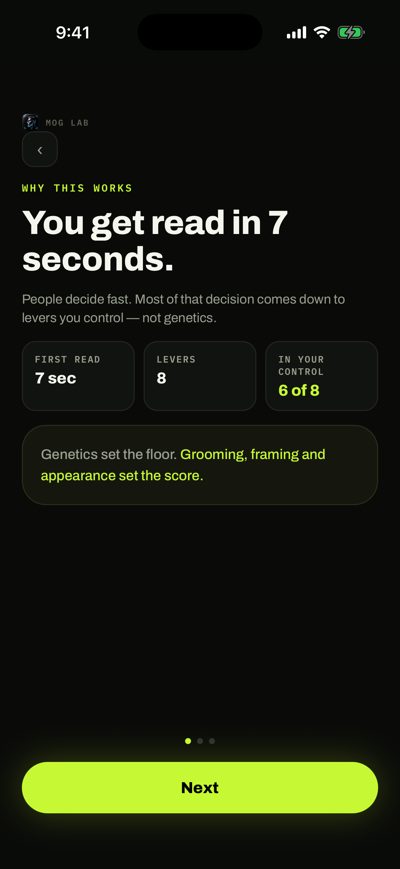
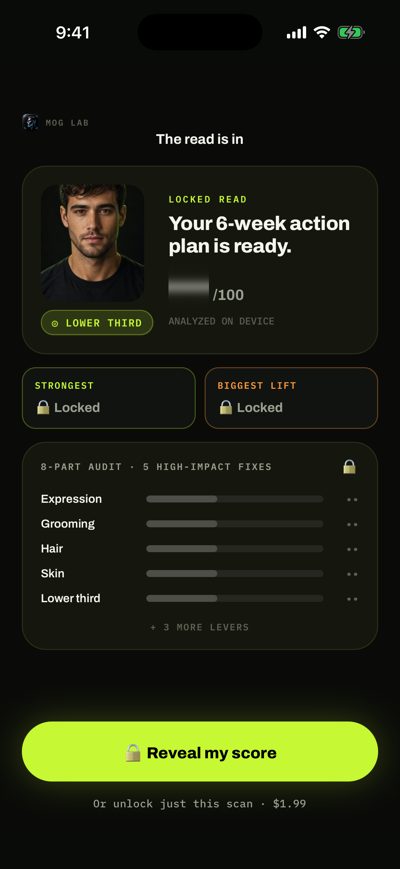
Raw Mog Lab screenshot 1Raw Mog Lab screenshot 2Raw Mog Lab screenshot 3

What the art direction did

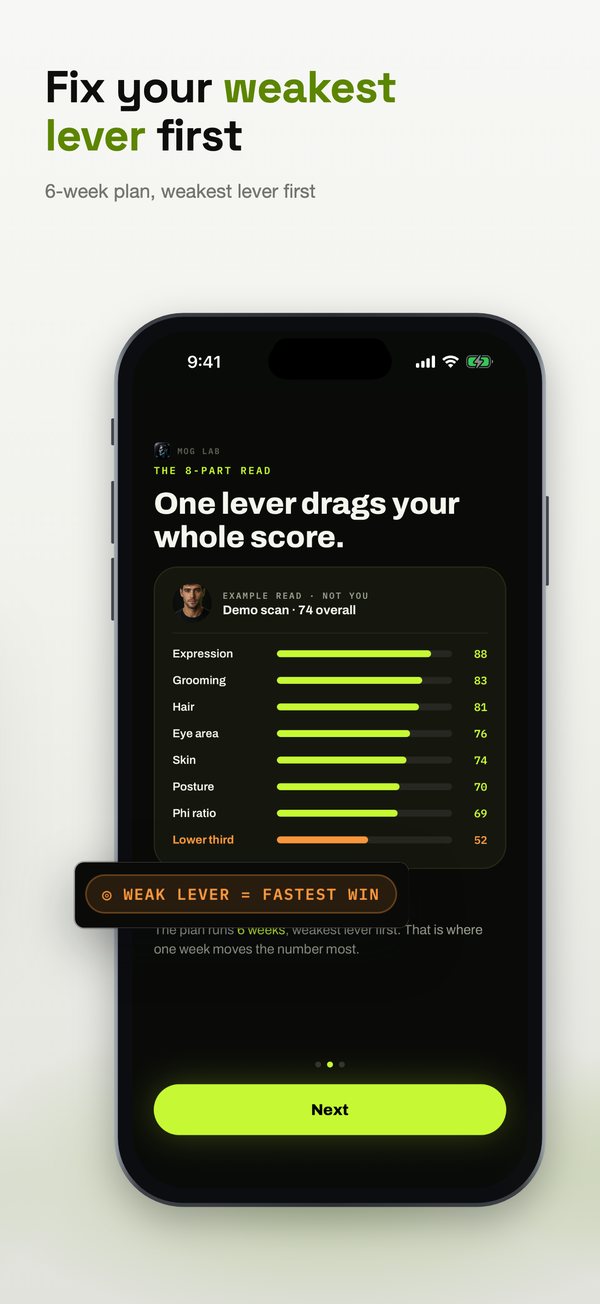
  • Three raw screens became five slides. The 8-lever breakdown is shown whole on slide 1, then its weakest row is pulled out on slide 2 with a “weak lever = fastest win” tag.
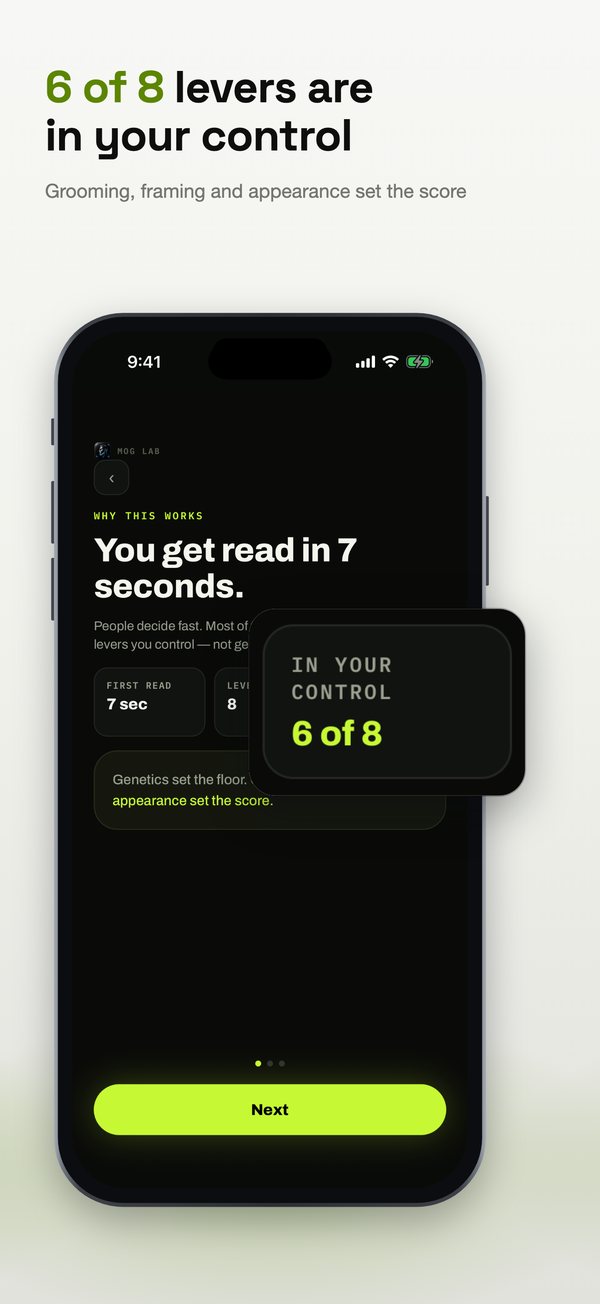
  • “6 of 8 levers are in your control” turns an explainer screen into a reason to try the app.
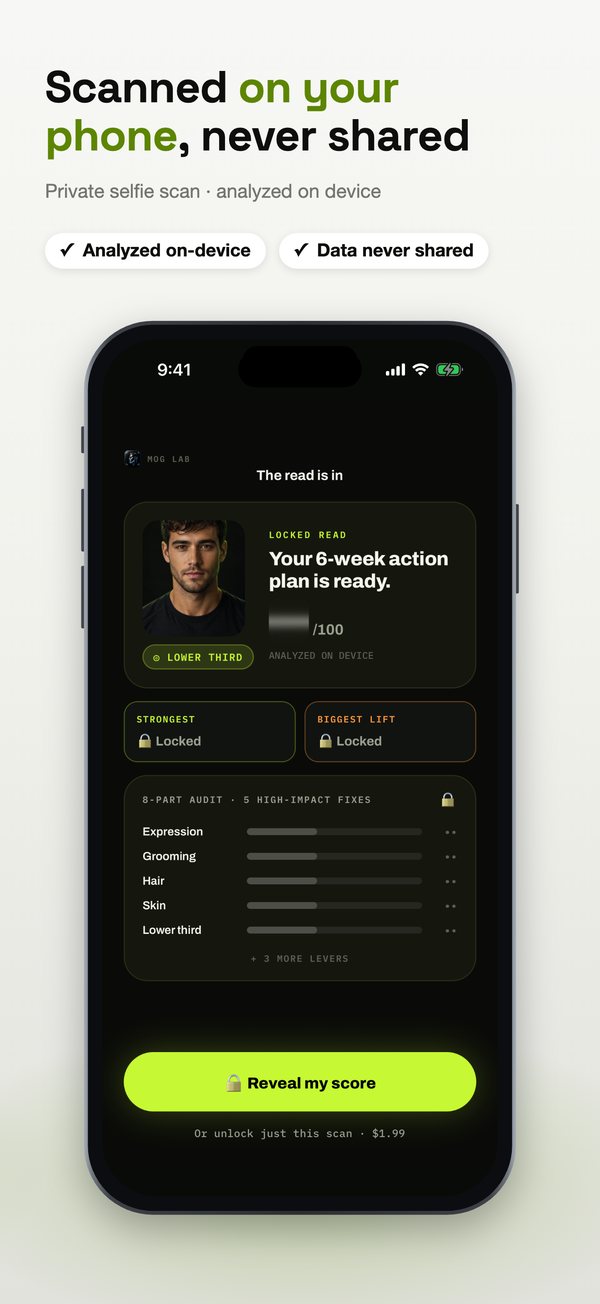
  • The privacy chips (analyzed on-device, data never shared) sit on the last slide, where a doubt about uploading a selfie shows up.

Slide by slide

Each slide next to the raw screenshot it was built from.
Raw Mog Lab screenshot 2Mog Lab App Store slide 1: Your face, scored on 8 levers
1. Your face, scored on 8 leversExpression · Grooming · Hair · Skin · Posture + 3 more
Raw Mog Lab screenshot 2Mog Lab App Store slide 2: Fix your weakest lever first
2. Fix your weakest lever first6-week plan, weakest lever first
Raw Mog Lab screenshot 1Mog Lab App Store slide 3: 6 of 8 levers are in your control
3. 6 of 8 levers are in your controlGrooming, framing and appearance set the score
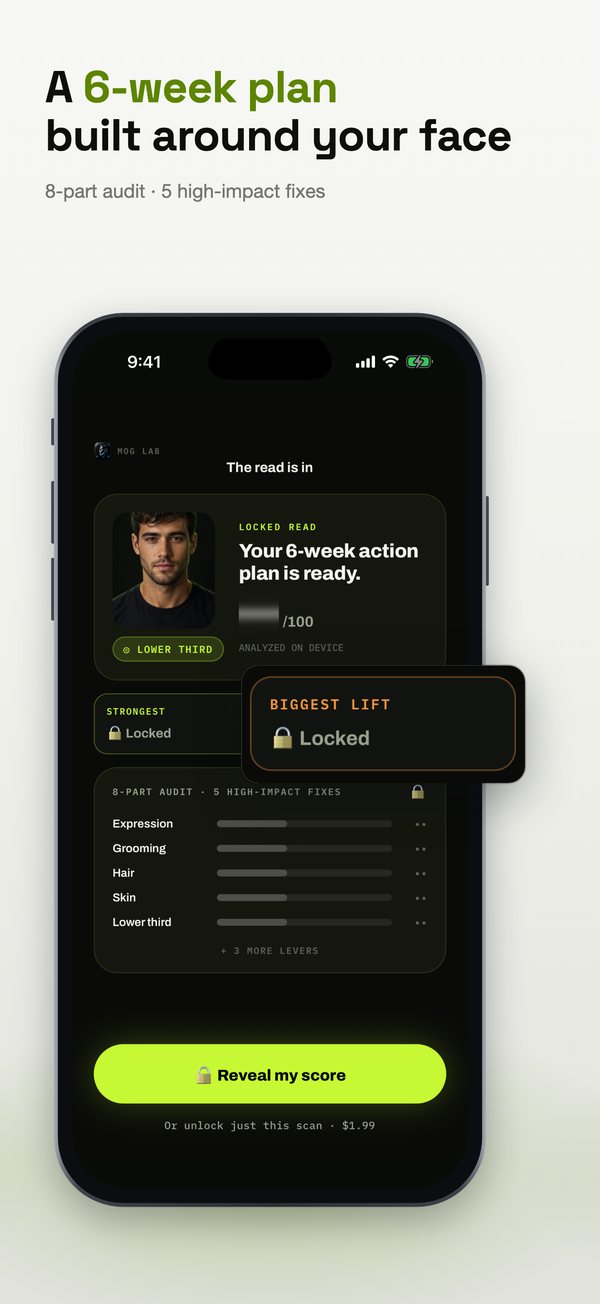
Raw Mog Lab screenshot 3Mog Lab App Store slide 4: A 6-week plan built around your face
4. A 6-week plan built around your face8-part audit · 5 high-impact fixes
Raw Mog Lab screenshot 3Mog Lab App Store slide 5: Scanned on your phone, never shared
5. Scanned on your phone, never sharedPrivate selfie scan · analyzed on device

The whole set

Mog Lab slide 1: Your face, scored on 8 leversMog Lab slide 2: Fix your weakest lever firstMog Lab slide 3: 6 of 8 levers are in your controlMog Lab slide 4: A 6-week plan built around your faceMog Lab slide 5: Scanned on your phone, never shared

Every headline and close-up can be changed in the studio without dragging anything, and the finished set exports at every size App Store Connect asks for (6.9″ 1320×2868, 6.5″ 1284×2778, iPad 13″) or goes straight into your draft version with Send to App Store.

More examples