Example · Health & Fitness

No Contact Companion App Store screenshots: before and after

No Contact Companion helps you not text an ex: a companion holds the message, a 90-second urge timer talks you down, and private letters never get sent. Here’s what Agent C made from its raw screenshots.

Before: No Contact Companion slide 1, raw screenshotAfter: No Contact Companion slide 1, designed by Agent CAgent CRaw screenshot

Drag the handle to compare the first slide with the raw screenshot it was built from.

The input: 7 plain screenshots

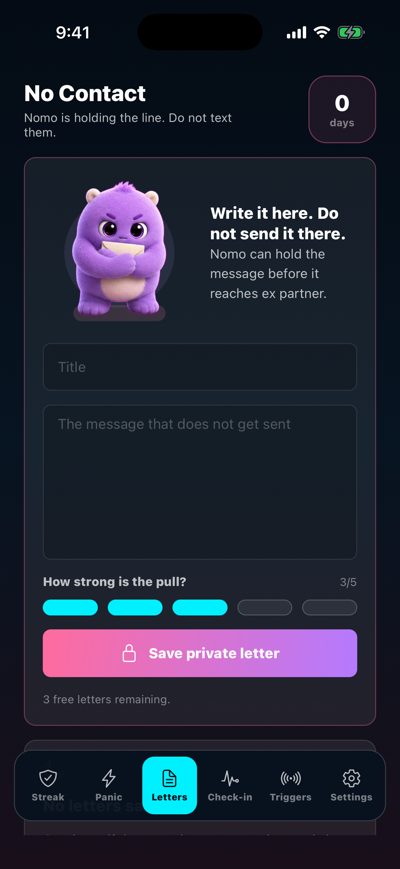
Straight from the iOS Simulator: no captions, no frames, no design.
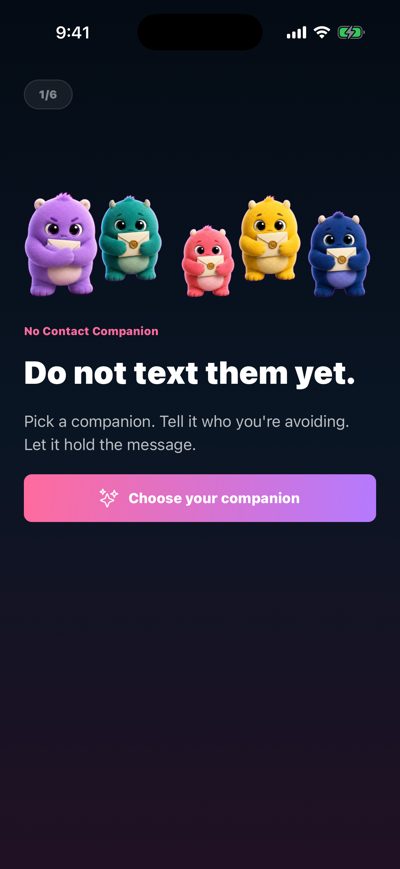
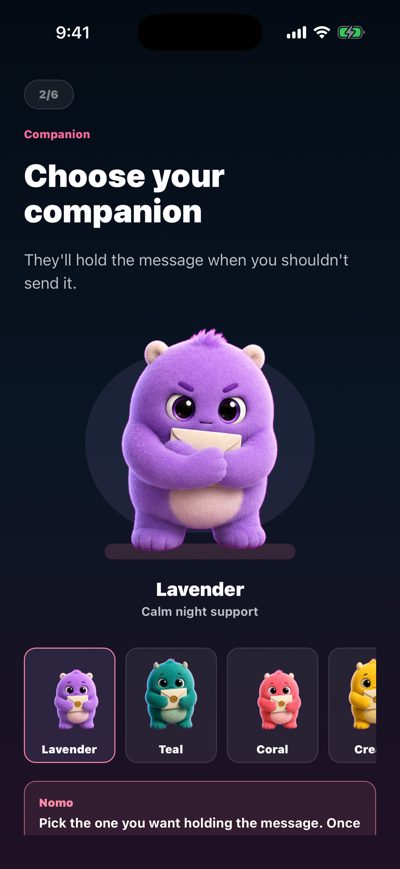
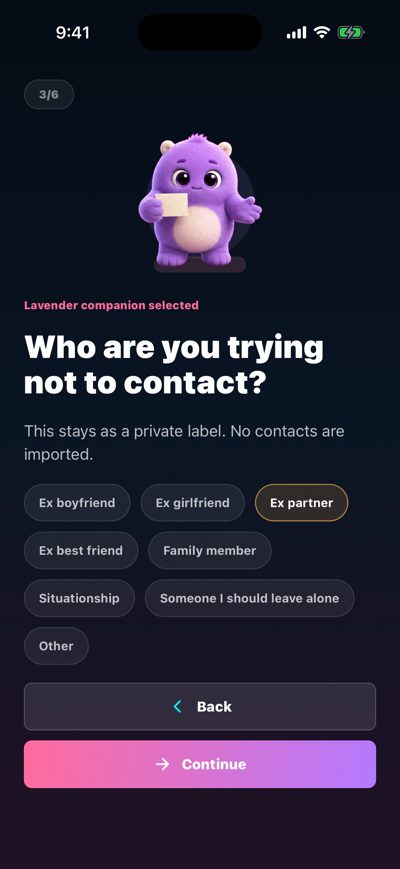
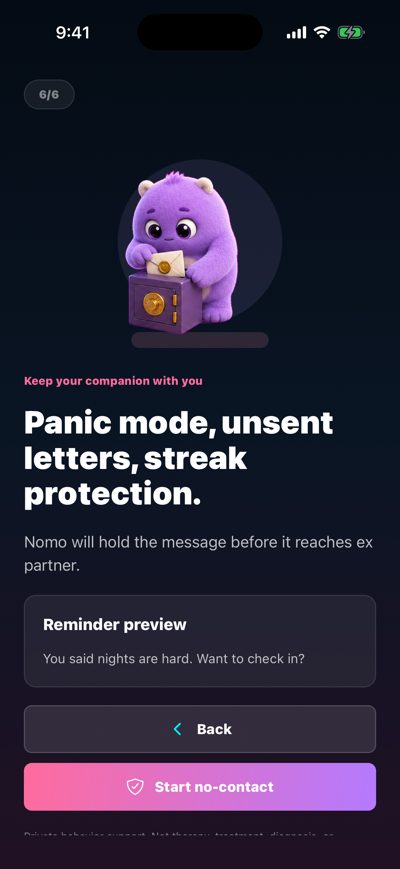
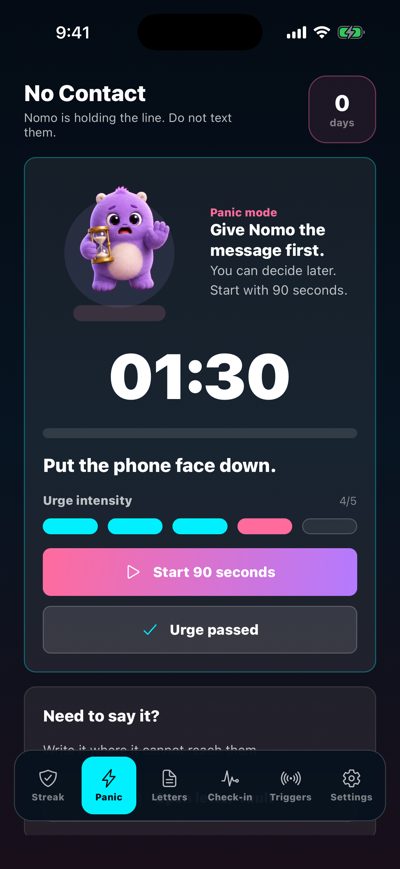
Raw No Contact Companion screenshot 1Raw No Contact Companion screenshot 2Raw No Contact Companion screenshot 3Raw No Contact Companion screenshot 4Raw No Contact Companion screenshot 5Raw No Contact Companion screenshot 6Raw No Contact Companion screenshot 7

What the art direction did

  • Seven screens, seven slides, but not in app order. The home screen with the companion’s note leads; the onboarding screens a raw set would open with move to the back.
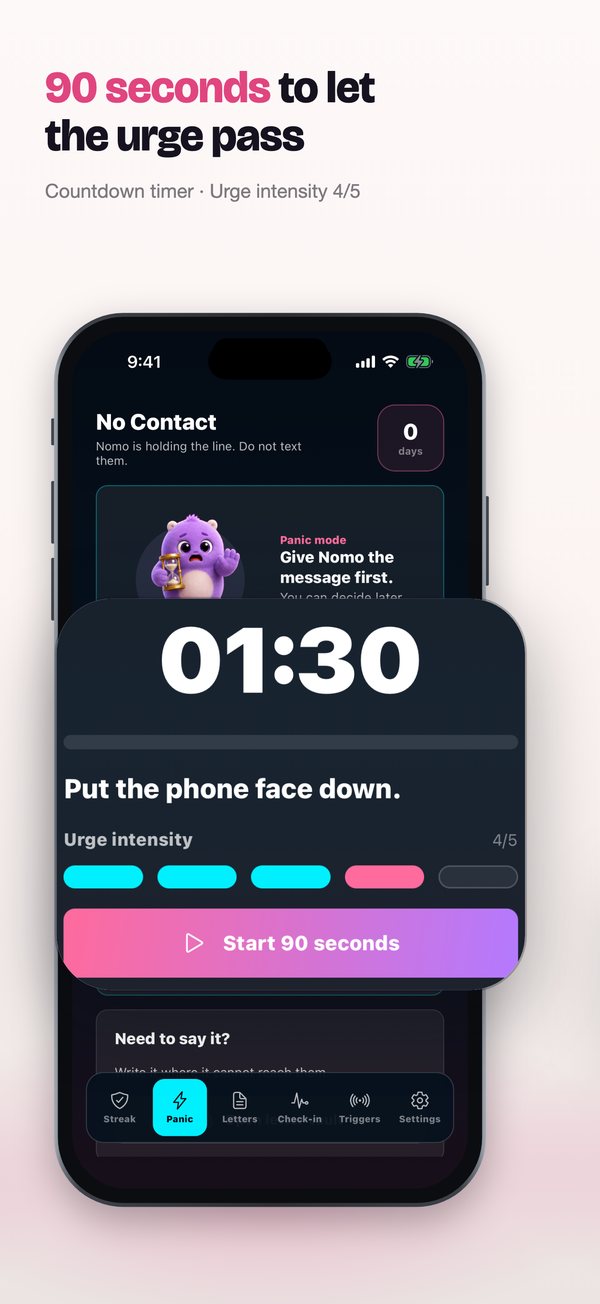
  • The urge timer is lifted out at full size, because “01:30” says 90 seconds faster than a headline can.
  • The accent color comes from the app’s own pink buttons, so the store listing and the app feel like one product.

Slide by slide

Each slide next to the raw screenshot it was built from.
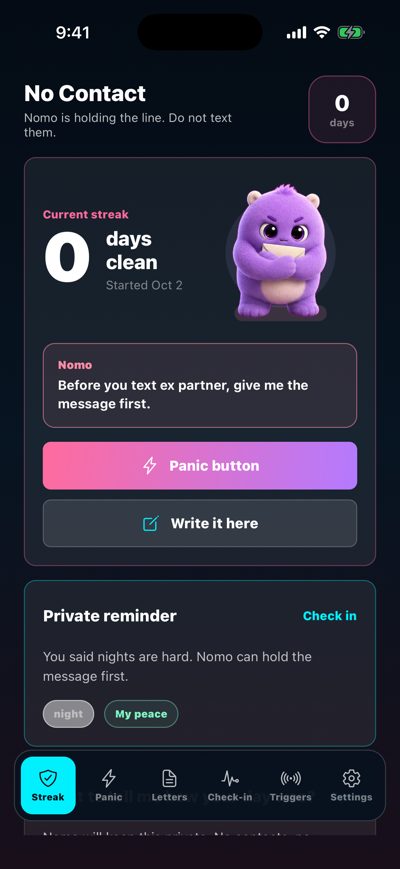
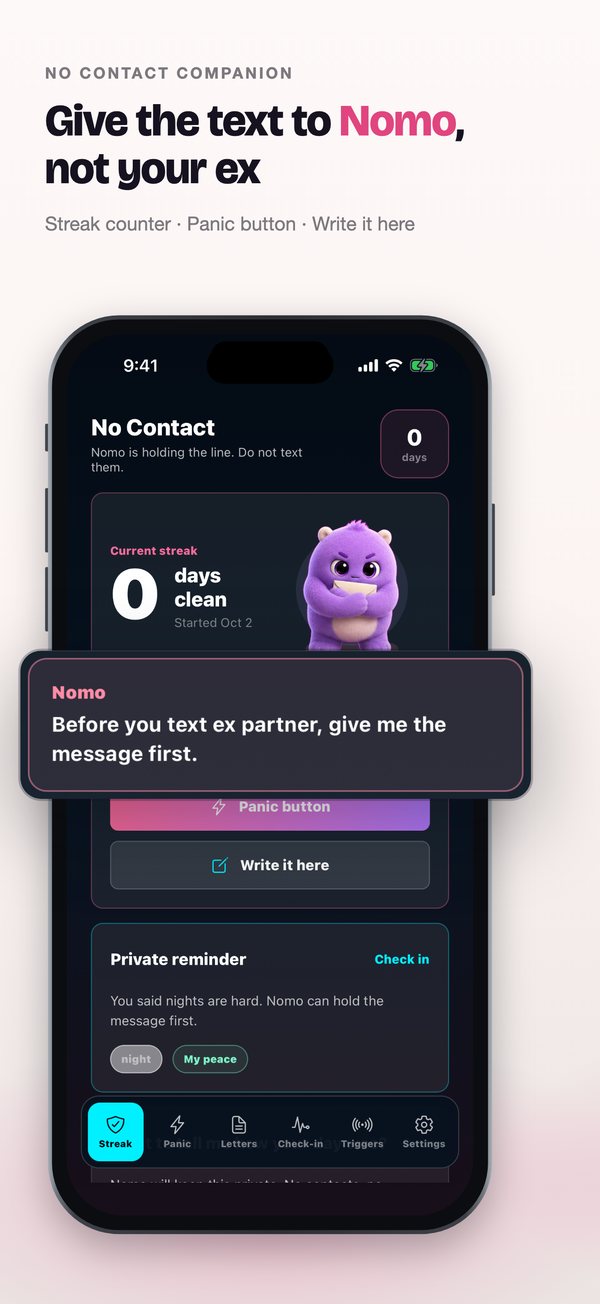
Raw No Contact Companion screenshot 5No Contact Companion App Store slide 1: Give the text to Nomo, not your ex
1. Give the text to Nomo, not your exStreak counter · Panic button · Write it here
Raw No Contact Companion screenshot 6No Contact Companion App Store slide 2: 90 seconds to let the urge pass
2. 90 seconds to let the urge passCountdown timer · Urge intensity 4/5
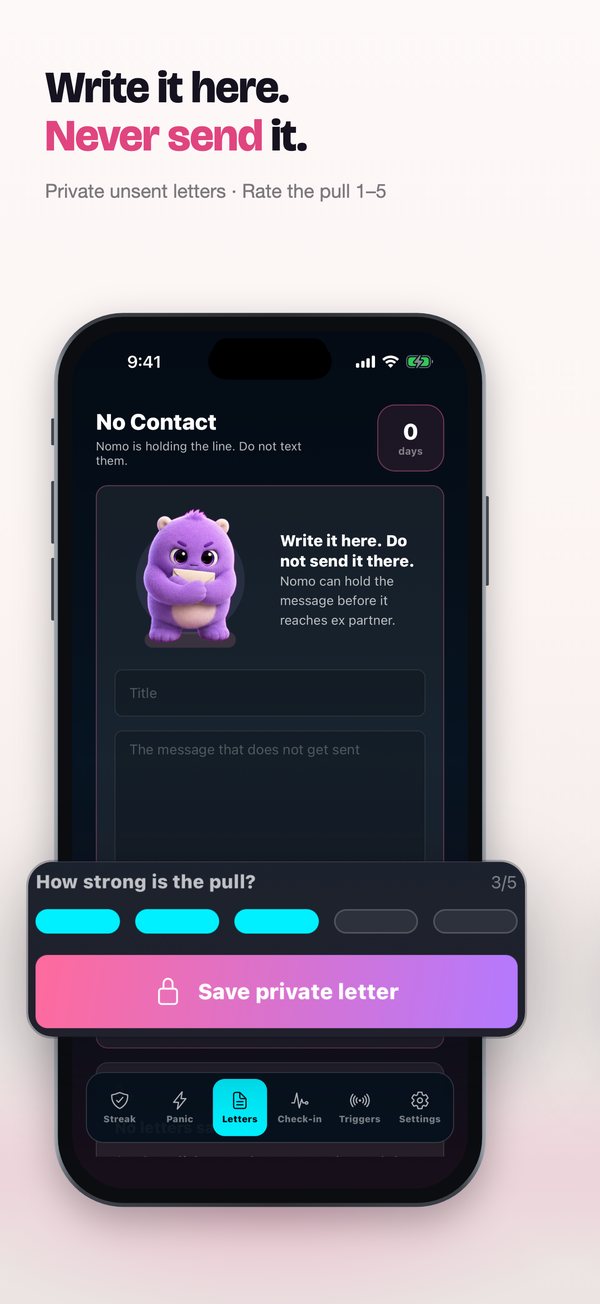
Raw No Contact Companion screenshot 7No Contact Companion App Store slide 3: Write it here. Never send it.
3. Write it here. Never send it.Private unsent letters · Rate the pull 1–5
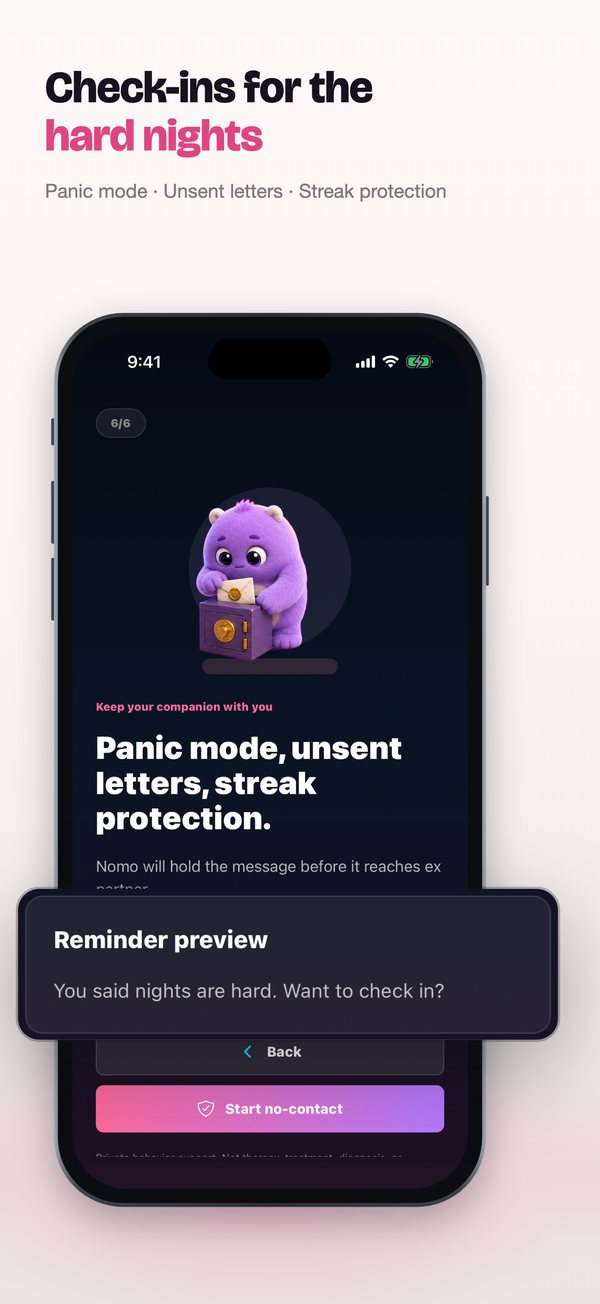
Raw No Contact Companion screenshot 4No Contact Companion App Store slide 4: Check-ins for the hard nights
4. Check-ins for the hard nightsPanic mode · Unsent letters · Streak protection
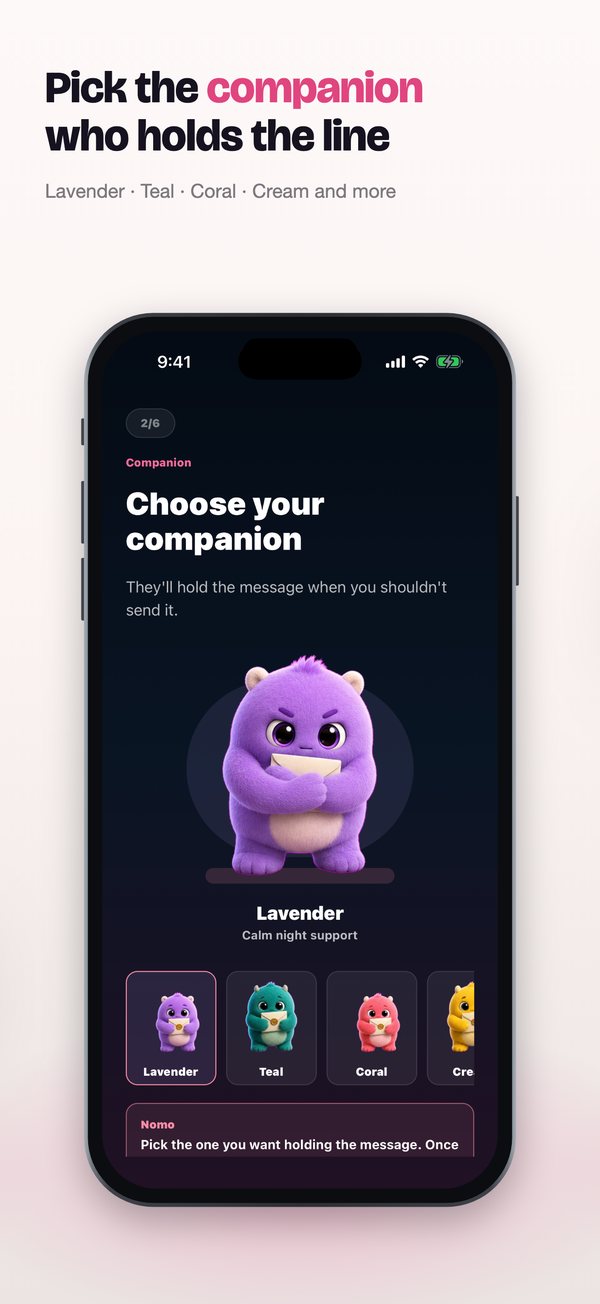
Raw No Contact Companion screenshot 2No Contact Companion App Store slide 5: Pick the companion who holds the line
5. Pick the companion who holds the lineLavender · Teal · Coral · Cream and more
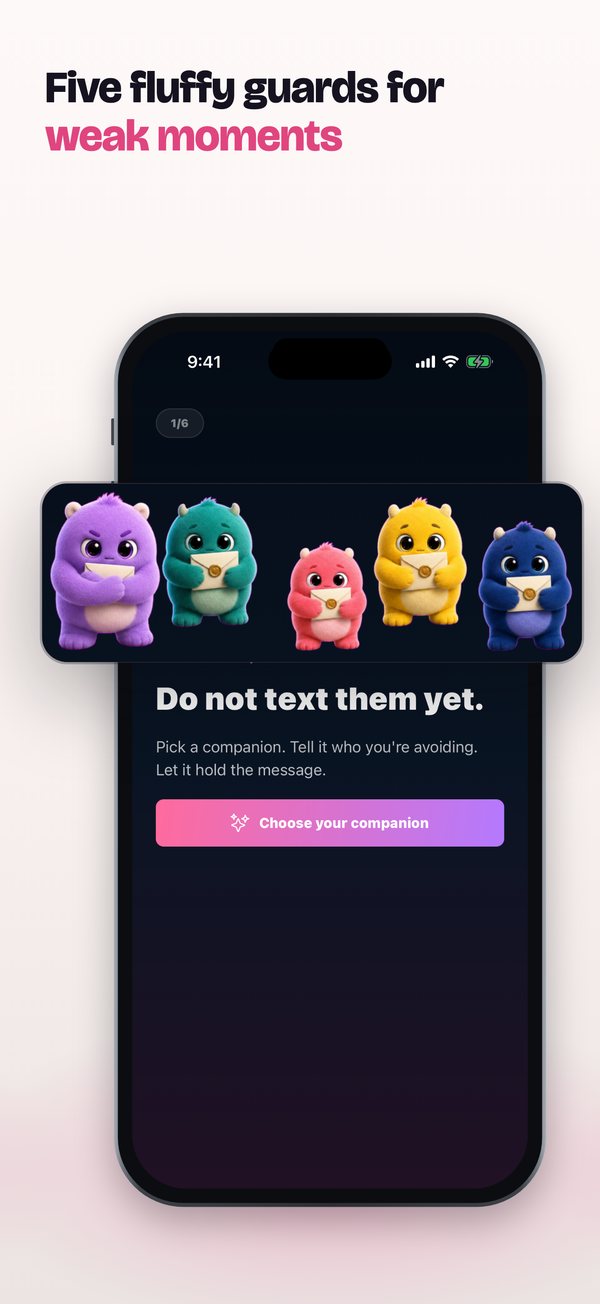
Raw No Contact Companion screenshot 1No Contact Companion App Store slide 6: Five fluffy guards for weak moments
6. Five fluffy guards for weak moments
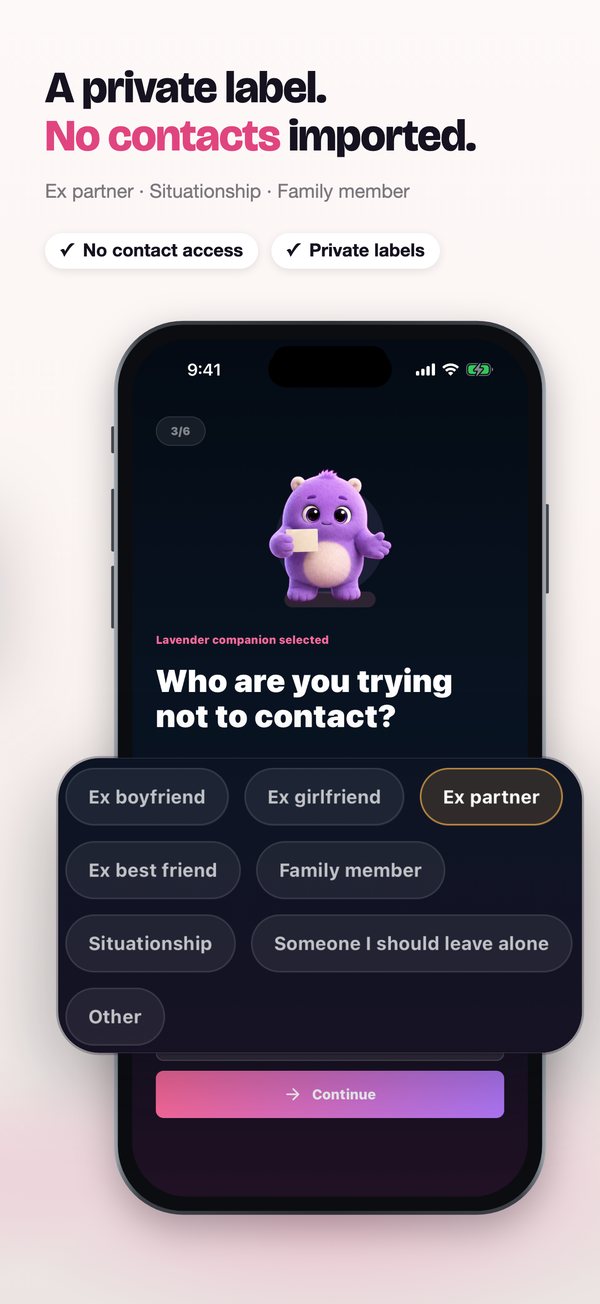
Raw No Contact Companion screenshot 3No Contact Companion App Store slide 7: A private label. No contacts imported.
7. A private label. No contacts imported.Ex partner · Situationship · Family member

The whole set

No Contact Companion slide 1: Give the text to Nomo, not your exNo Contact Companion slide 2: 90 seconds to let the urge passNo Contact Companion slide 3: Write it here. Never send it.No Contact Companion slide 4: Check-ins for the hard nightsNo Contact Companion slide 5: Pick the companion who holds the lineNo Contact Companion slide 6: Five fluffy guards for weak momentsNo Contact Companion slide 7: A private label. No contacts imported.

Every headline and close-up can be changed in the studio without dragging anything, and the finished set exports at every size App Store Connect asks for (6.9″ 1320×2868, 6.5″ 1284×2778, iPad 13″) or goes straight into your draft version with Send to App Store.

More examples