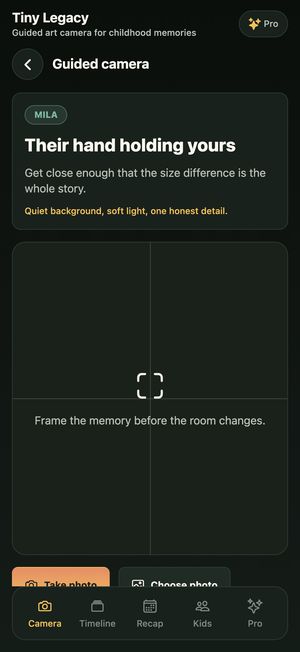
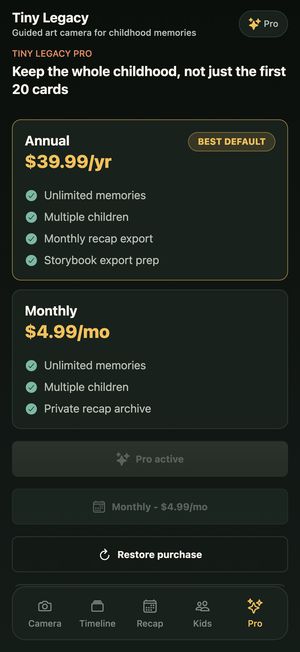
The input: six plain screenshots
Straight from the app, no design, no captions. This is everything Agent C was given, plus the app's App Store listing.
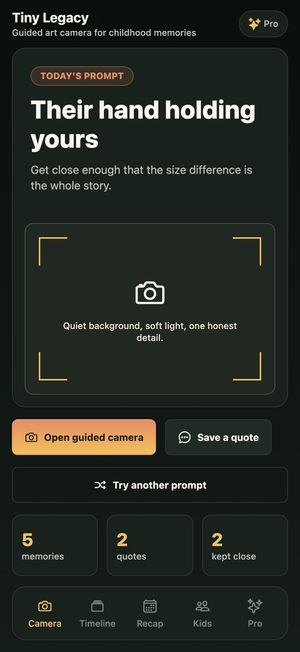
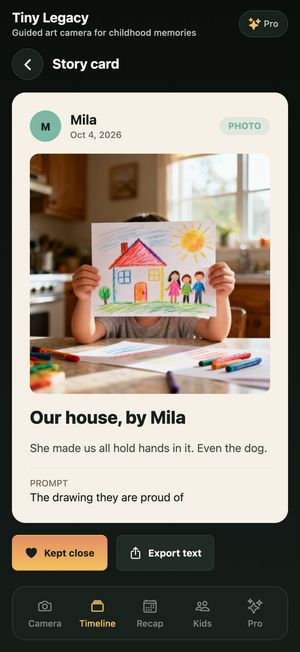
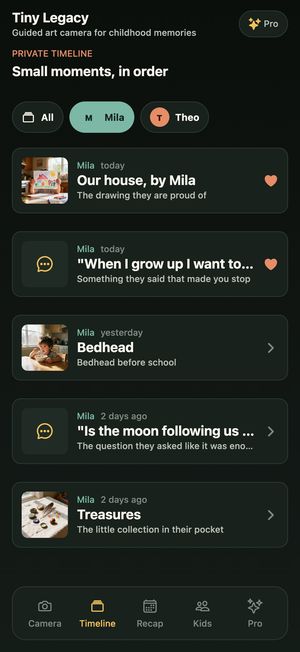
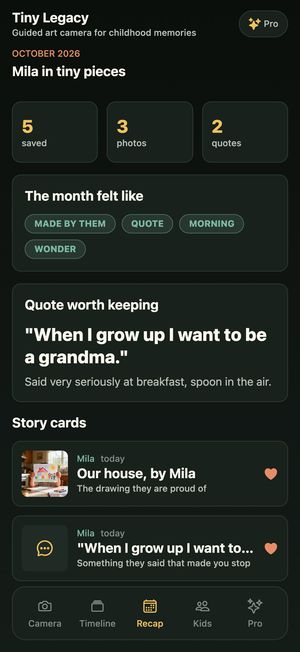
The choice: how the set opens
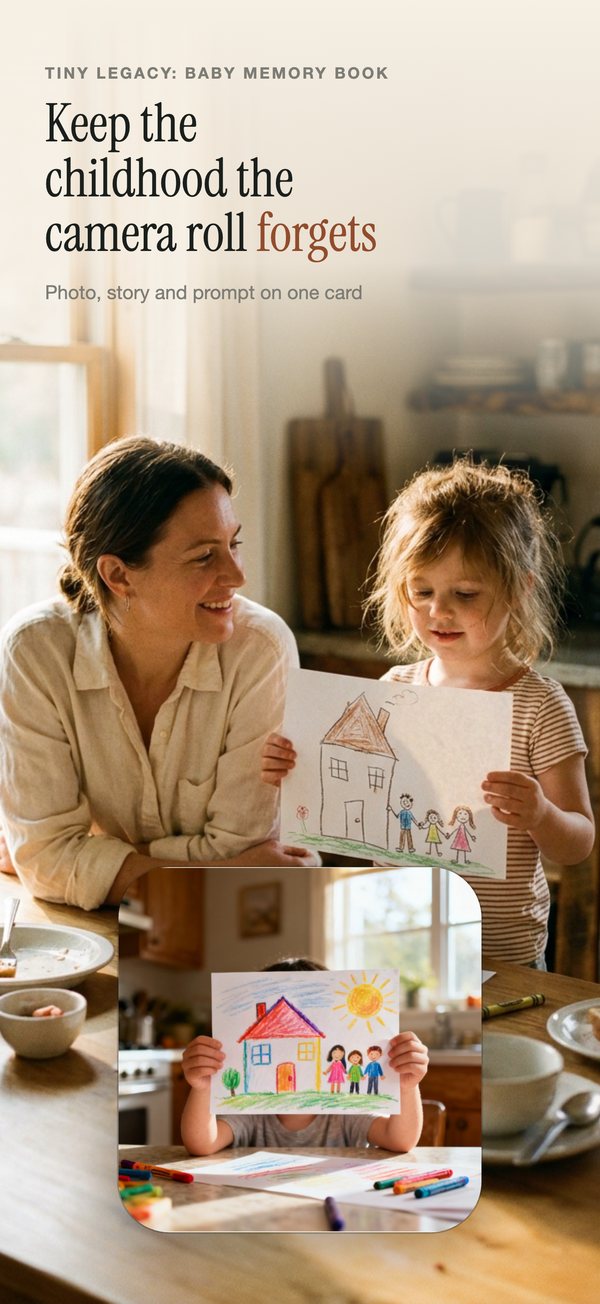
We picked Photo. Claude wrote a scene specific to the app (a parent and child at a kitchen table, the child holding up a crayon drawing of their house) and the photo was generated for this set. The app's own story card floats over it, so the first slide still shows real UI.
The output: a designed set
About a minute later: six slides with an order, a claim headline per slide, close-ups lifted from the real screens, and colors taken from the app.
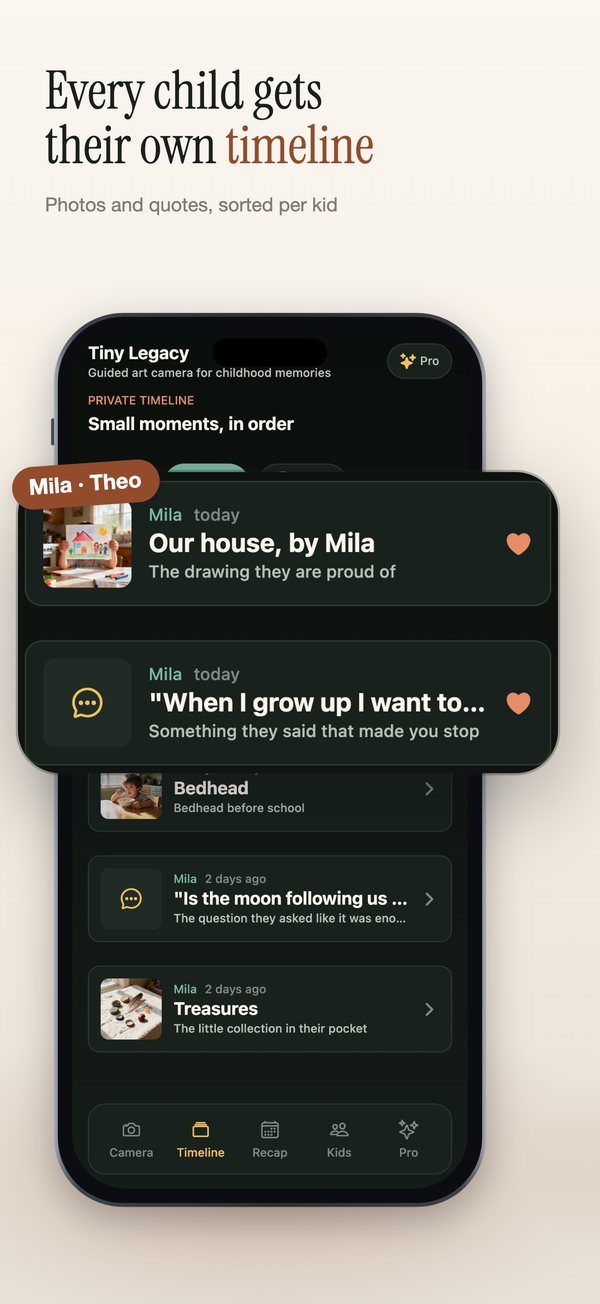
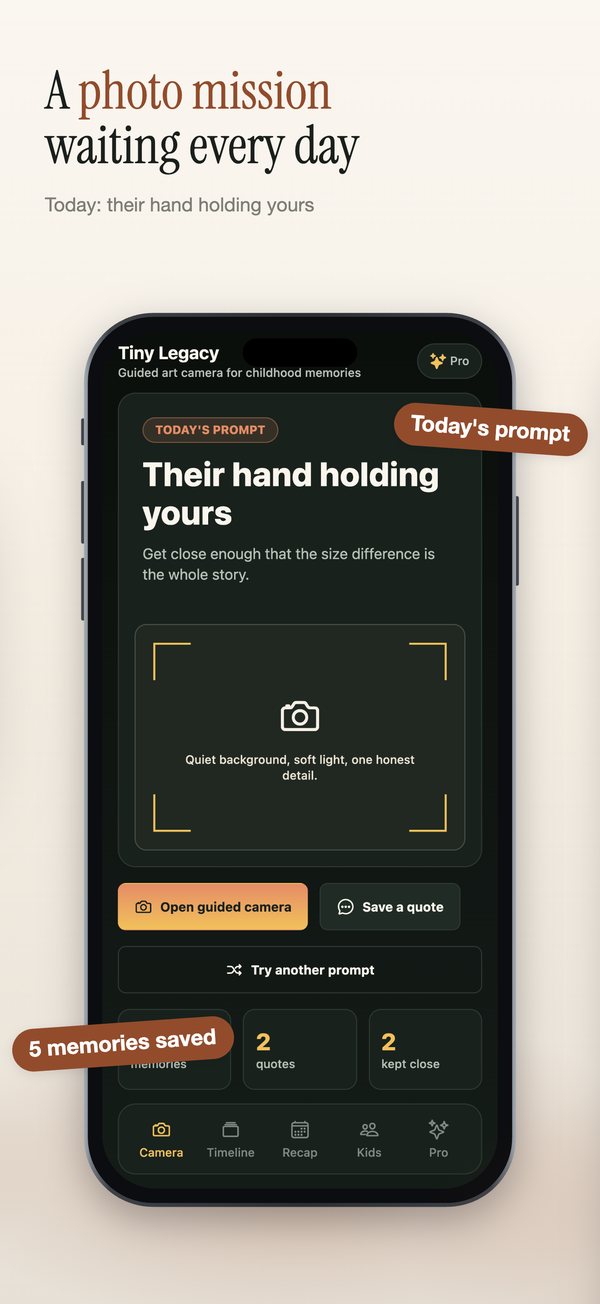
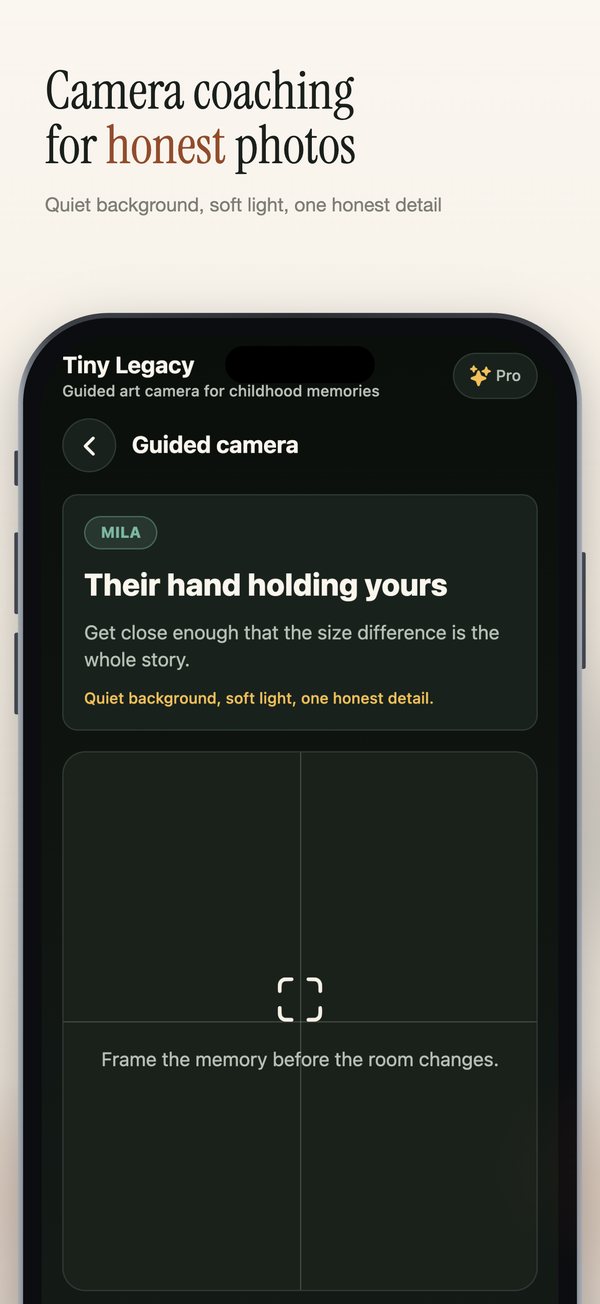
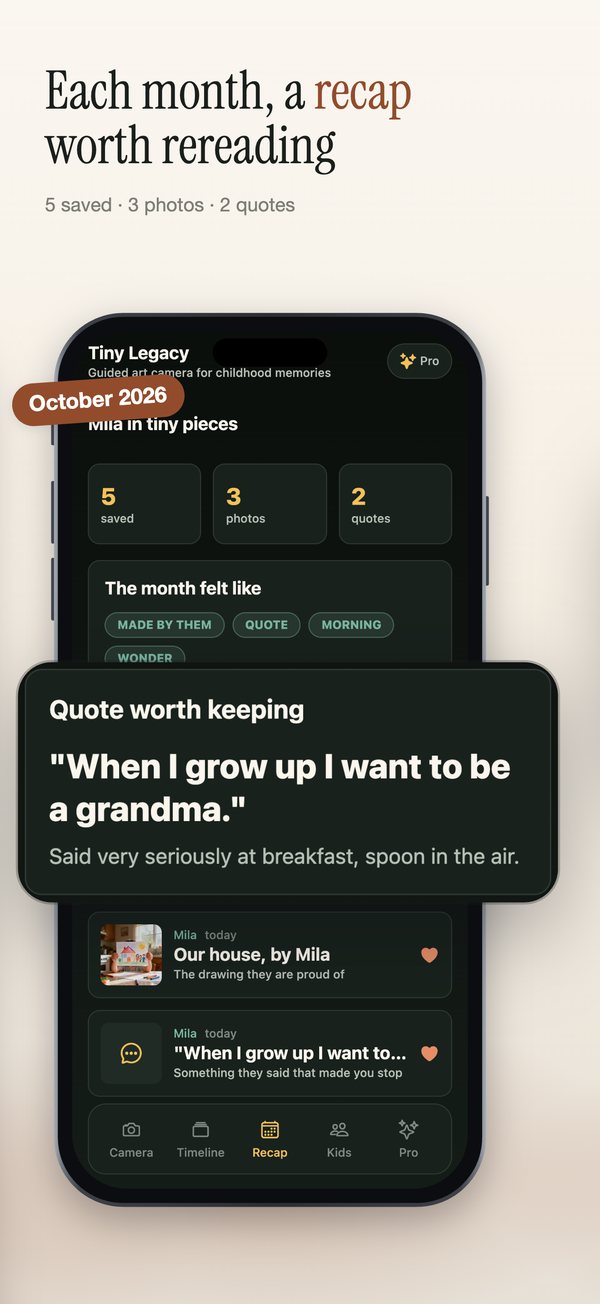
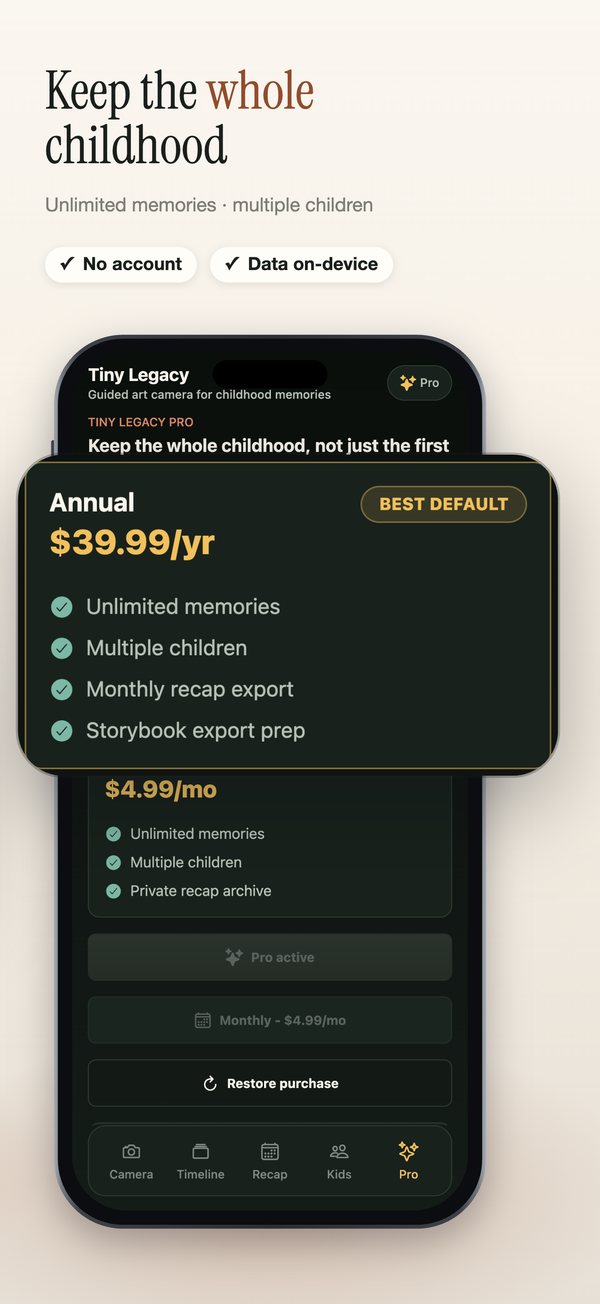
Notice what Claude picked up from the screens: the quote card (“When I grow up I want to be a grandma.”) is magnified on the recap slide, and the pricing slide pulls the annual plan forward. Every headline can be changed in Quick Edit, and switching the opener to a hand, the app icon or a plain phone rebuilds the set instantly.
The upload: straight into version 1.2.3
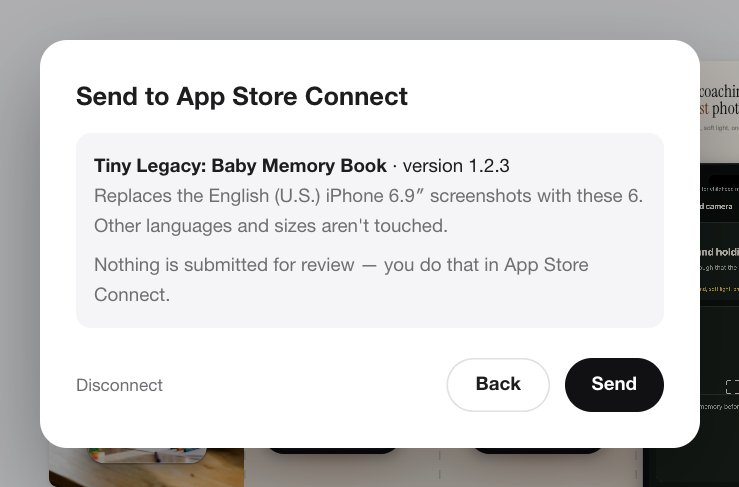
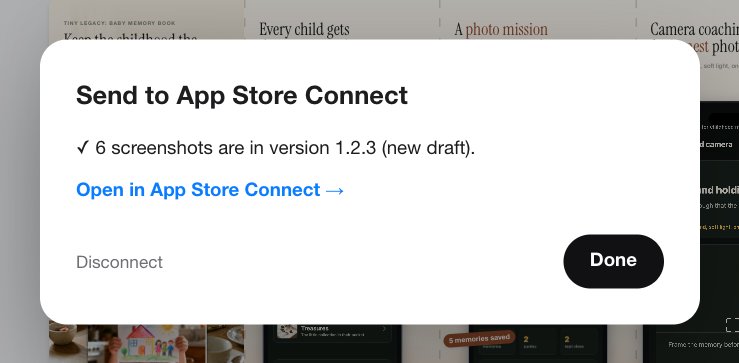
With the set unlocked, Send to App Store showed exactly what would change (Tiny Legacy, version 1.2.3, English iPhone 6.9″ screenshots) before touching anything.
The same thing from an AI agent
We also gave Codex one sentence, “make App Store screenshots for Tiny Legacy from ./shots”, with the Agent C MCP server connected. It uploaded the six files, had Claude design the set, looked at the previews, and rewrote one headline to “Gentle memory prompts for big feelings” because it read warmer for a baby memory book. See how MCP servers compare.